Familiestrijd voor je klas, binnen een paar minuten klaar.
Twee teams, een enquêtebord op het grote scherm en niets om te leren. Leerlingen drukken op de buzzer in de browser van een telefoon, zonder app, of roepen de antwoorden. Eén les of event? Kies een maandabonnement, altijd opzegbaar.
Familiestrijd en QuizoFeest speel je online gratis. Gratis Bar Trivia laat tot 4 spelerstelefoons toe.
- Je lesonderwerpen
- Spelen op een gedeeld scherm
- Discussie onder leiding van de host
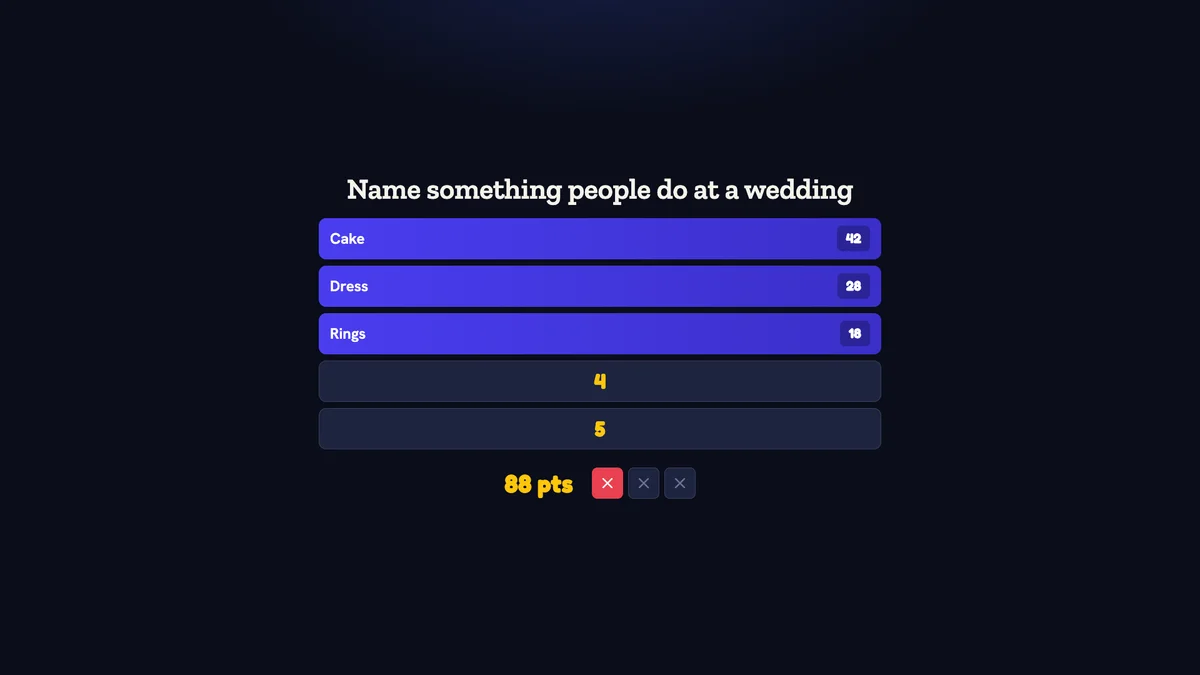
In Quizado · echt productscherm
Binnen minuten speelklaar.
Niets om te leren.
Kies een kant-en-klaar spel
Begin met een gratis Familiestrijd-pakket. Met elk betaald abonnement schrijft de AI een enquêteset over elk onderwerp dat je opgeeft.
Spelers buzzen met hun telefoon
Teams scannen de QR-code of typen de code en buzzen dan in de browser van de telefoon. Geen app downloaden en geen account.
Het bord houdt de score bij
Antwoorden draaien om op het grote scherm en Quizado telt de punten op. De host leest de vraag voor en keurt wat de teams zeggen.
Breng je lesstof op een
andere manier de klas in.
Begin met wat je hebt behandeld
Maak je eigen vragen of een QuizoFeest-bord bij elk abonnement; je eigen sets speel je vanaf Pro. Controleer het materiaal voor de les.
Kies hoe leerlingen deelnemen
Gebruik Bar Trivia als leerlingen een telefoon hebben, of laat ze hardop antwoorden bij QuizoFeest en Familiestrijd, zonder telefoon per leerling.
Maak van het antwoord een startpunt
Onthul een vraag, bespreek de redenering en ga dan samen verder. Gebruik het spel naast je eigen lessen en toetsen.
Een voorbeeld: herhaling
in 20 minuten.
Neem 3 minuten om de spelvorm uit te leggen, speel 10 minuten een korte quiz en bespreek 7 minuten de antwoorden. Groepeer bij een categoriebord de vragen per lesonderwerp en ken punten toe vanaf het hostscherm.
Van je eerste idee
tot de eerste ronde.
Kies het leerdoel
Maak een korte set rond de stof die je hebt behandeld. Controleer elke vraag en elk antwoord voor de les, zeker als je een AI-concept gebruikt. Eigen vragen schrijven is gratis bij elk abonnement; je eigen sets spelen vraagt Pro of Business.
Kies hoe de klas deelneemt
Bij Bar Trivia doen deelnemers mee in een browser via een QR-code en hebben ze internet nodig. Voor een spel zonder telefoons van leerlingen gebruik je Familiestrijd of QuizoFeest met hardop gegeven antwoorden en puntentelling door de host, bij elk abonnement.
Oefen op het scherm in de klas
Sluit je hostapparaat aan op een tv of beamer. Controleer tekst en beeld vanaf de achterste rij, speel een voorbeeldvraag en test het netwerk met een tweede apparaat.
Laat ruimte voor discussie
Speel een korte ronde, onthul de antwoorden en bespreek de redenering voordat je verdergaat. Gebruik het spel als gezamenlijke activiteit naast je eigen lessen en toetsen.
Eén groep. Meer dan
één manier om te spelen.
Familiestrijd
Enquêtevragen en antwoorden onthullen, terwijl jij de klas leidt. Handig voor onderwerpen waarover je kunt brainstormen.
Probeer een voorbeeld van een antwoordbord →Bar Trivia
Spelers antwoorden op hun telefoon. Het gratis abonnement laat tot 4 spelerstelefoons toe; betaalde abonnementen hebben geen limiet.
Ontdek trivia op de telefoon →QuizoFeest
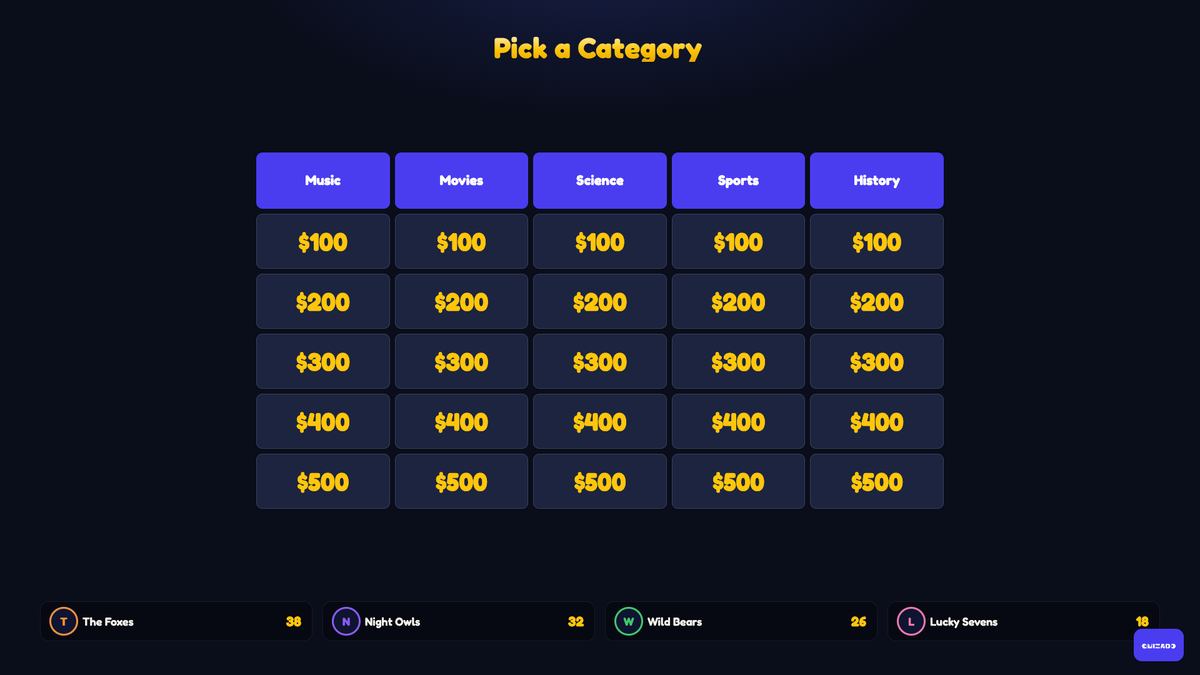
Een categoriebord, hardop gegeven antwoorden en punten die jij toekent. Het meest geschikt om de lesstof te herhalen, en leerlingen hebben er geen telefoon voor nodig.
Probeer een voorbeeld van een categoriebord →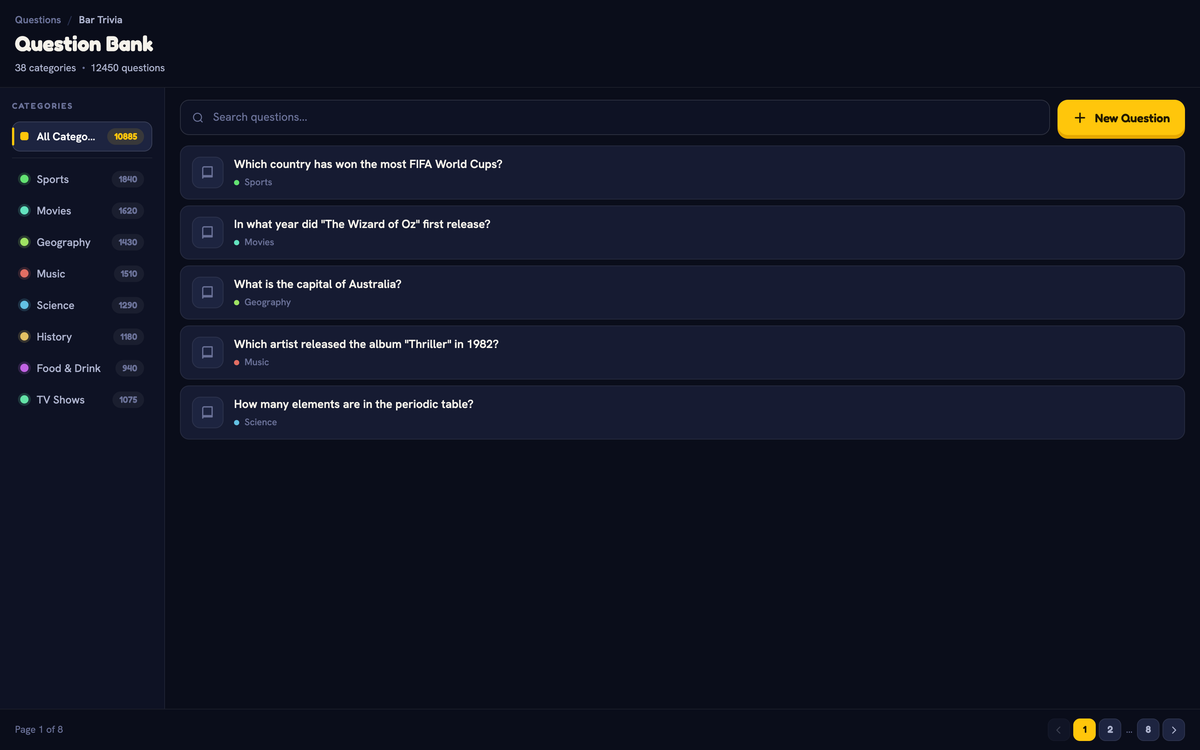
Quizado is een klasactiviteit, geen toetssysteem. Bar Trivia heeft een internetverbinding nodig. Familiestrijd en QuizoFeest zitten in elk abonnement. Met een betaald abonnement werken ze offline, net als Territory, in de desktop-app en de mobiele host-apps.
Eén event?
Kies een abonnement voor die maand.
Starter-abonnement
De premium pakketten en geen spelerslimiet voor je event.
Business-abonnement
De functies van het Business-abonnement, inclusief je eigen logo, kleuren en achtergrond op het grote scherm.
Altijd opzegbaar
Kies een abonnement voor de maand van je event en zeg het op wanneer je wilt. Speel je weer, houd het dan aan.
Vier momenten waarop een bord
het wint van een werkblad.
Herhaling aan het eind van een onderwerp
- Groepeer de vragen per deelonderwerp dat je hebt behandeld
- Met punten voelt herhalen als een spel, niet als een toets
- Bespreek de redenering na elke onthulling
- Gebruik het bord volgend jaar opnieuw, met twee nieuwe categorieën
Klassen zonder telefoons
- Familiestrijd en QuizoFeest hebben geen eigen apparaten nodig
- Hardop gegeven antwoorden, en jij bepaalt de score
- Teams in plaats van individuen, zodat niemand voor schut staat
- Werkt offline in de desktop-app en de mobiele host-apps, met een betaald abonnement
Trainingen en workshops
- Maak categorieën rond de stof die je net hebt behandeld
- Een kort spel tussen de sessies door om de aandacht terug te krijgen
- Eigen huisstijl met Business
- Terugblikken die je achteraf naar de deelnemers stuurt
Congressen en open dagen
- Een spel met host op een groot scherm trekt publiek
- Kant-en-klare pakketten met algemene kennis: geen voorbereiding nodig
- Meedoen met de telefoon voor een zaal vol onbekenden
- Onbeperkt aantal teams met elk betaald abonnement
Duidelijke antwoorden.
Heeft iedere leerling een telefoon nodig?
Nee. Bar Trivia gebruikt verbonden apparaten, maar Familiestrijd en QuizoFeest worden gespeeld met hardop gegeven antwoorden en puntentelling door de host - geen eigen telefoons nodig.
Kan ik vragen uit mijn eigen lesstof gebruiken?
Ja, vanaf Pro. Schrijf ze in de editor. Voor bulkimport heb je Business nodig. Controleer een AI-concept altijd voor de les.
Is dit een schoolbeoordelingssysteem?
Nee. Quizado is een spel om samen te herhalen en te bespreken, geen toetsinstrument.
Kan ik een spel spelen zonder wifi in het klaslokaal?
Familiestrijd, QuizoFeest en Territory werken zonder internet met gedownloade spellen, in de desktop-app en de host-apps voor iOS en Android, met een betaald abonnement. In de browser kun je niet offline hosten, en Bar Trivia heeft een verbinding nodig.
Hoeveel kunnen er spelen?
Familiestrijd en QuizoFeest speel je online gratis. Gratis Bar Trivia laat tot 4 spelerstelefoons per spel toe, en het gratis abonnement start 2 spellen per 24 uur. Betaalde abonnementen hebben geen spelerslimiet.
Kunnen we voor maar één maand betalen?
Ja. Kies een maandabonnement voor de maand van je les of event en zeg het op wanneer je wilt. Starter voegt de premium pakketten toe; Business voegt het schoollogo op het grote scherm toe. Een school die elke week speelt, kan het abonnement aanhouden.
Je volgende herhalingsles begint met één potje Familiestrijd.
Speel Familiestrijd gratis en kies een maandabonnement voor de maand waarin de hele klas speelt. Altijd opzegbaar.
Een activiteit voor de klas, geen toetssysteem