Family Face-Off for your class, ready in minutes.
Two teams, a survey board on the big screen and nothing to learn. Students buzz in on a phone in the browser with no app, or call the answers out. One lesson or event? Pick a monthly plan and cancel anytime.
Family Face-Off and QuizoParty are free to play online. Free Bar Trivia admits up to 4 player phones.
- Your lesson topics
- Shared screen play
- Host-led discussion
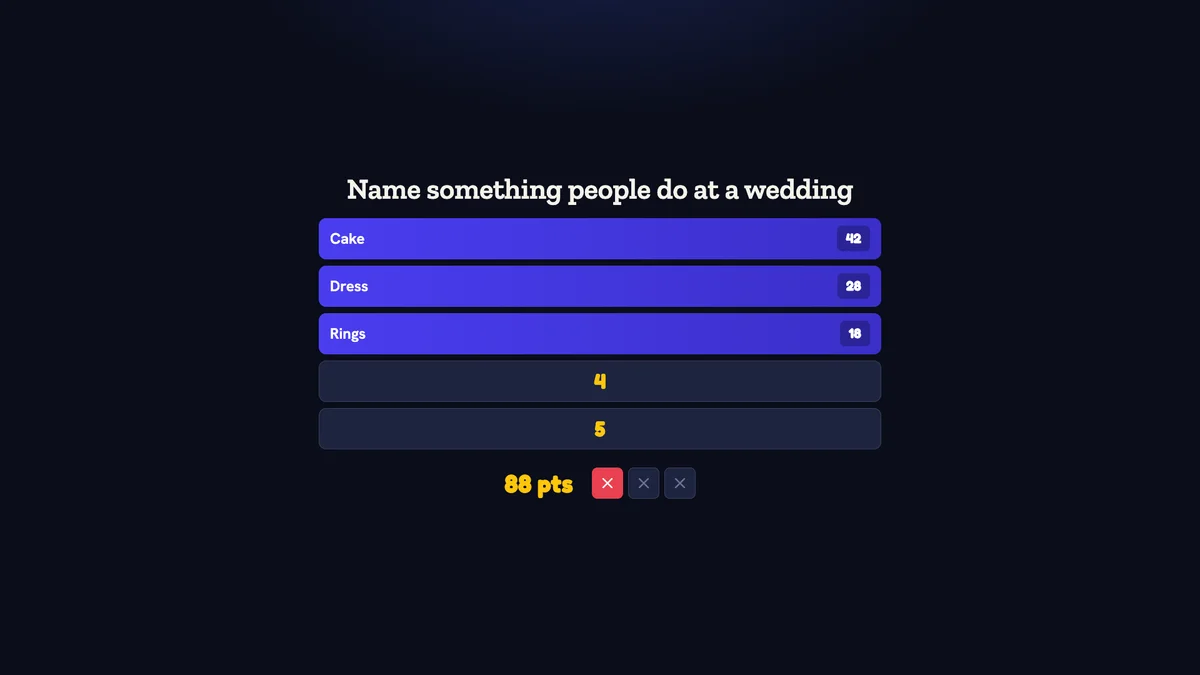
Inside Quizado · actual product screen
Ready to play in minutes.
Nothing to learn.
Pick a ready game
Start with a free Family Face-Off pack. On any paid plan, the AI writes a survey set on any topic you give it.
Players buzz in on their phones
Teams scan the QR code or type the code, then buzz in from the phone's browser. No app download and no account.
The board keeps the score
Answers flip on the big screen and Quizado adds up the points. The host reads the prompt and marks what the teams say.
Give your material a
different way into the room.
Start with what you taught
Create your own questions or a QuizoParty board on any plan; your own sets play from Pro. Review the material before class.
Choose how learners join
Use phone-based Bar Trivia for connected devices, or lead spoken answers in QuizoParty and Family Face-Off without individual student phones.
Make the answer a starting point
Reveal a question, discuss the reasoning, then move on together. Use the game alongside your own teaching and assessment.
A sample 20-minute
lesson review.
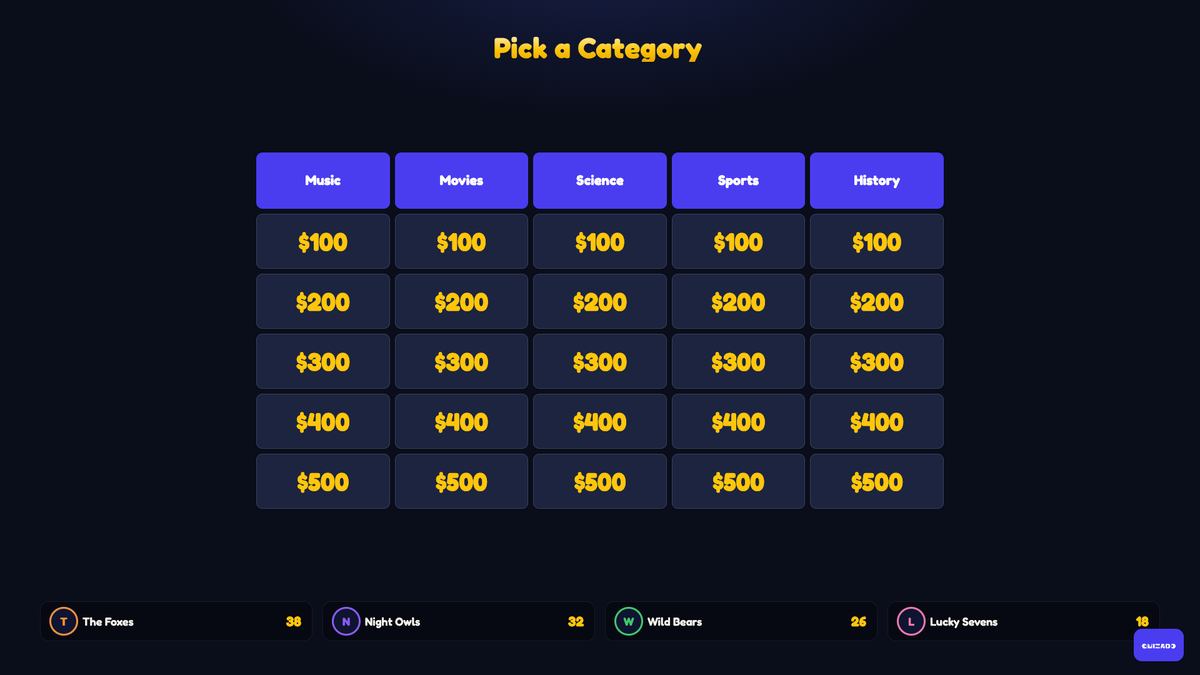
Spend 3 minutes explaining the format, 10 minutes playing a short quiz, and 7 minutes discussing answers. For a category board, group questions by lesson topic and award points from the host screen.
From your first idea
to the first round.
Choose the learning goal
Build a short set around the material you have taught. Review every question and answer before class, especially if you use an AI draft. Custom question authoring is free on every plan; playing your own sets requires Pro or Business.
Choose how the class participates
For Bar Trivia, participants join in a browser by QR code and need internet access. For a game without student phones, use Family Face-Off or QuizoParty with spoken answers and host-controlled scoring, on every plan.
Rehearse on the classroom screen
Connect your host device to a TV or projector. Check text and images from the back row, play a sample question, and test the network with a second device.
Leave room for discussion
Run a short round, reveal the answers and discuss the reasoning before moving on. Use the game as a shared activity alongside your own teaching and assessment.
One group. More than
one way to play.
Family Face-Off
Survey-style prompts and answer reveals, with you leading the room. Useful for brainstorming-style topics.
Try a sample answer board →Bar Trivia
Players answer on their phones. The free plan admits up to 4 player phones; paid plans have no cap.
Explore phone-based trivia →QuizoParty
A category board, spoken answers and points awarded by you. The closest fit for a lesson review, and it needs no student phones.
Try a sample category board →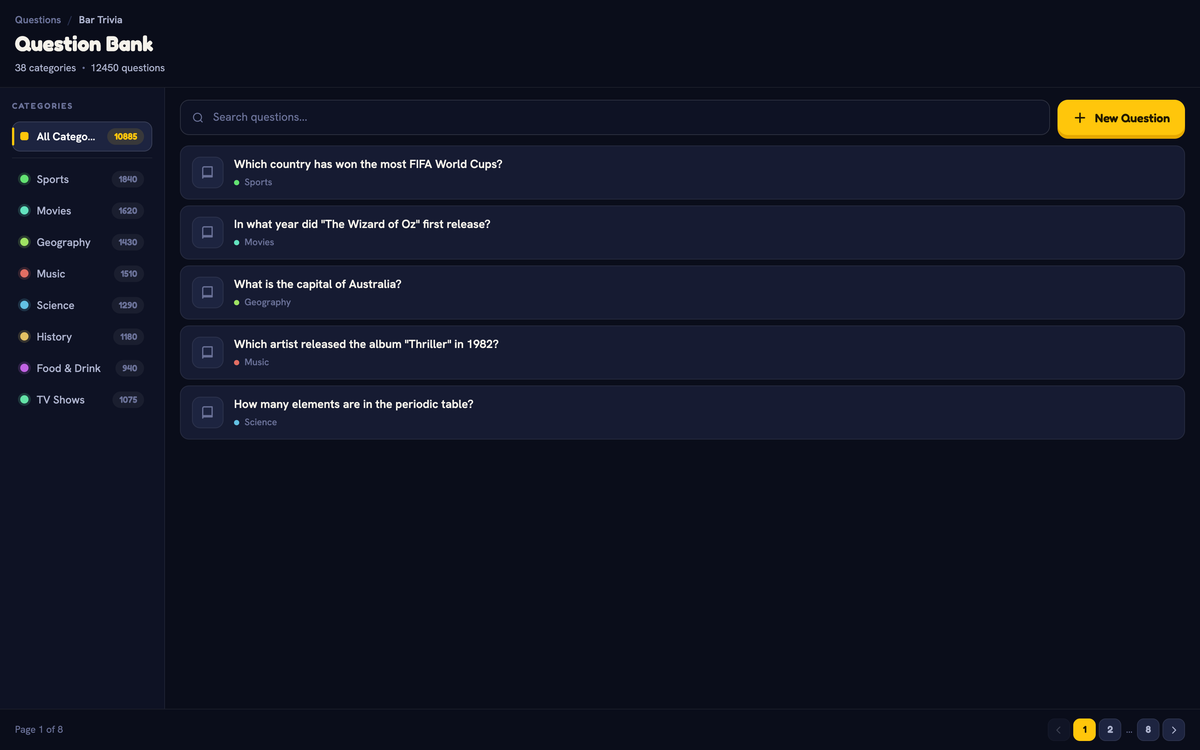
Quizado is a classroom activity, not an assessment system. Bar Trivia needs an internet connection. Family Face-Off and QuizoParty are on every plan. On a paid plan, they and Territory run offline in the desktop and mobile host apps.
One event?
Pick a plan for that month.
Starter plan
The premium packs and no player cap for your event.
Business plan
The Business plan's features, including your own logo, colours and background on the big screen.
Cancel anytime
Pick a plan for the month of your event and cancel it when you like. If you play again, keep it.
Four places a board
beats a worksheet.
End-of-topic review
- Group questions by the sub-topics you taught
- Points make revision feel like a game, not a test
- Discuss the reasoning after each reveal
- Reuse the board next year with two categories swapped
Rooms without student phones
- Family Face-Off and QuizoParty need no personal devices
- Spoken answers, and you control the scoring
- Teams instead of individuals, so nobody is exposed
- Runs offline in the desktop and mobile host apps, on a paid plan
Training and workshops
- Build categories around the material just covered
- A short game between sessions to reset attention
- Custom branding on Business
- Recaps you can send to attendees afterwards
Conference and open days
- A hosted game on a big screen draws a crowd
- Ready-made general-knowledge packs need no prep
- Phone joining for a room of strangers
- Unlimited teams on any paid plan
Straight answers.
Does every student need a phone?
No. Bar Trivia uses connected devices, but Family Face-Off and QuizoParty are played with spoken answers and host-controlled scoring — no personal phones needed.
Can I use my own curriculum questions?
Yes, from Pro upwards. Write them in the editor. Bulk import requires Business. Always review an AI draft before class.
Is this a school assessment system?
No. Quizado is a game for shared review and discussion, not a graded assessment tool.
Can I run a game without classroom Wi-Fi?
Family Face-Off, QuizoParty and Territory run with no internet from downloaded games, in the desktop app and the iOS and Android host apps, on a paid plan. The browser cannot host offline, and Bar Trivia needs a connection.
How many can play?
Family Face-Off and QuizoParty are free to play online. Free Bar Trivia admits up to 4 player phones per game, and the free plan starts 2 games in 24 hours. Paid plans have no player cap.
Can we pay for just one month?
Yes. Pick a monthly plan for the month of your lesson or event and cancel it anytime. Starter adds the premium packs; Business adds your school logo on the big screen. A school that plays every week can keep the plan.
Your next lesson review starts with one Family Face-Off.
Play Family Face-Off free, then pick a monthly plan for the month the whole class plays. Cancel anytime.
A classroom activity, not an assessment system