Host from whatever is behind the bar.
A laptop, an iPad, a phone, or just a browser tab. Same game, same account, same question sets — pick the device that suits the room.
Free plan, no card. Your players need no download: they join in a browser, or in the free Quizado app if they like.
The best seat for the host.
A second screen, keyboard shortcuts for reveals and scoring, and downloads for offline Family Face-Off, QuizoParty and Territory hosting.
Windows
Windows 10 and 11. Extend to the venue screen and keep the host view private.
Download for WindowsHost with the mic in your other hand.
An iPad on the bar is the setup most hosts settle on: the board goes to the TV, the controls stay in front of you, and you can walk the room with it. On a phone, the lock screen and a paired Apple Watch or Wear OS watch give you Lock, Reveal and Next.
Check App Store and Google Play listings for device compatibility. Quizado is also on Apple TV and Google TV. Players join in a browser or the free Quizado app.
On the TV and on your wrist.
The board goes on the venue TV with no laptop. The round goes on your watch.
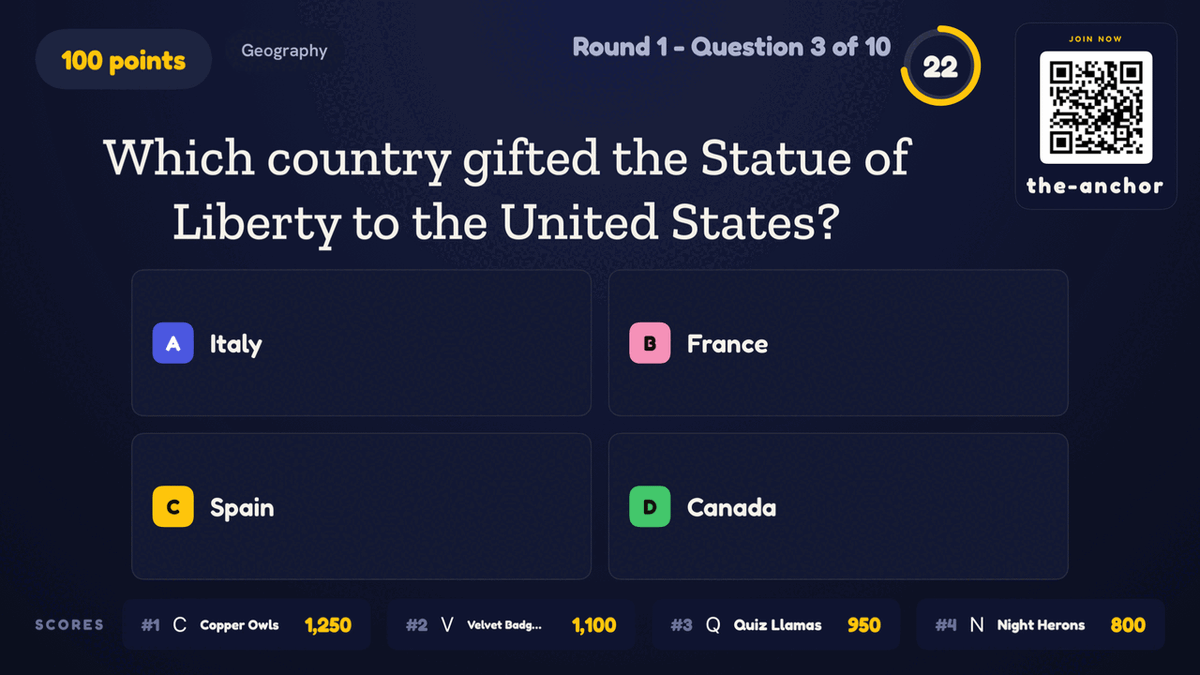
Apple TV
Type six digits from your phone and the board is up. It can also run a Trivia night on its own with Auto-Host.
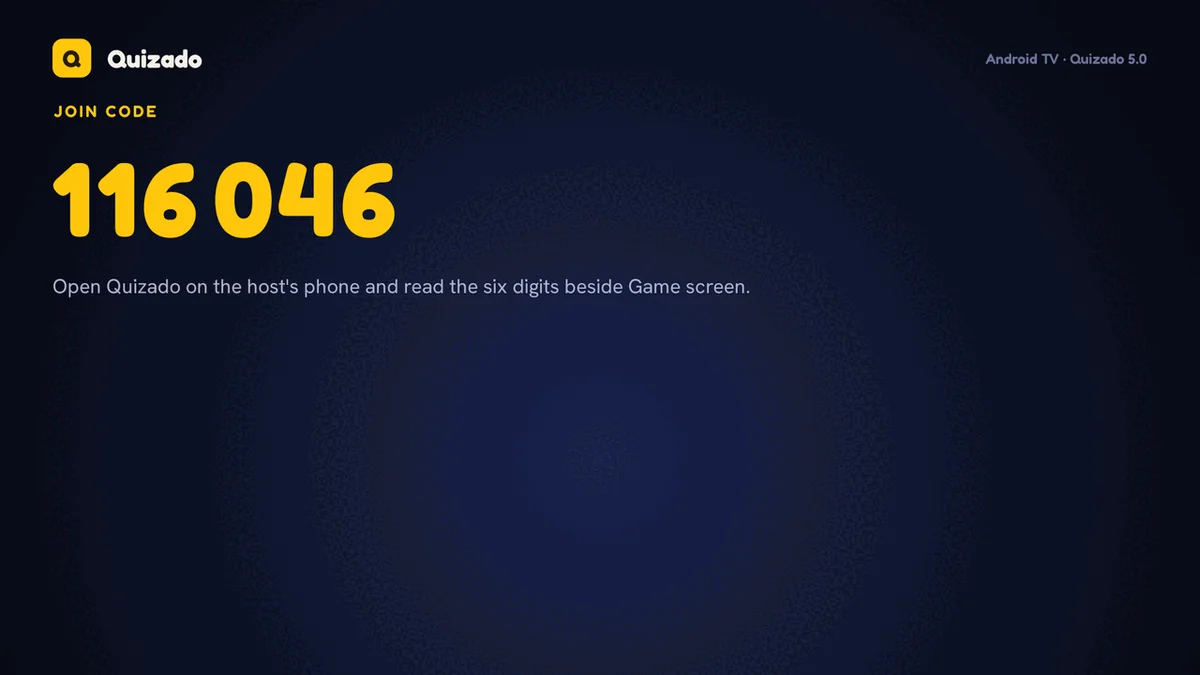
Google TV & Android TV
Install Quizado on the TV and type six digits from your phone. If the TV drops, the round and the clock carry on.
Chromecast
Cast the board from the Quizado Mobile Apps in one tap. Nothing to install on the TV.
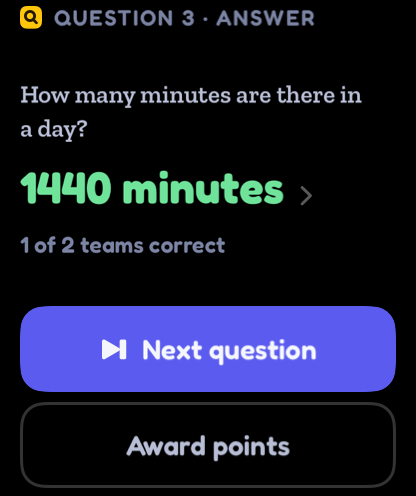
Apple Watch
Lock, Reveal and Next on your wrist, with the correct answer for Trivia, Family Face-Off and QuizoParty.
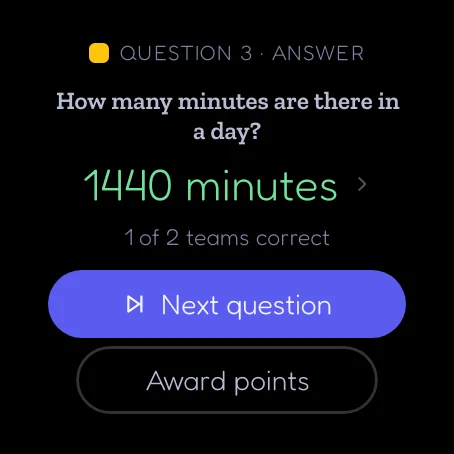
Wear OS
The same buttons and the correct answer on an Android watch, and the scores between rounds.
Every screen you own
One account on all of them. Host from one, show the board on another.
Players never need any of these. They join in a browser, or in the free Quizado app.
Or install nothing at all.
The full host experience in a browser tab. Useful on a venue machine you are not allowed to install software on.
Chrome, Edge, Safari or Firefox, kept current. Offline hosting needs the desktop or mobile app.
Depends where you
are standing.
Laptop or desktop
Best for a fixed weekly night. Second screen for the board, host view stays private, and offline downloads live here.
iPad or tablet
Best when you work the room. Put the board on the TV with the Quizado TV app or a Chromecast, and keep reveals and scoring in your hands.
Phone
Fine for a small room or a rescue plan. Everything works, the controls are just tighter.
Any TV or projector. The Quizado app on Apple TV or Google TV, Chromecast from the Quizado Mobile Apps, AirPlay or HDMI.
Internet for Bar Trivia and phone joining. Mobile data works.
Any phone with a browser. No download, no account, no sign-up. The free Quizado app is optional.
None. No buzzer boxes, no tablets to buy, no install visit.
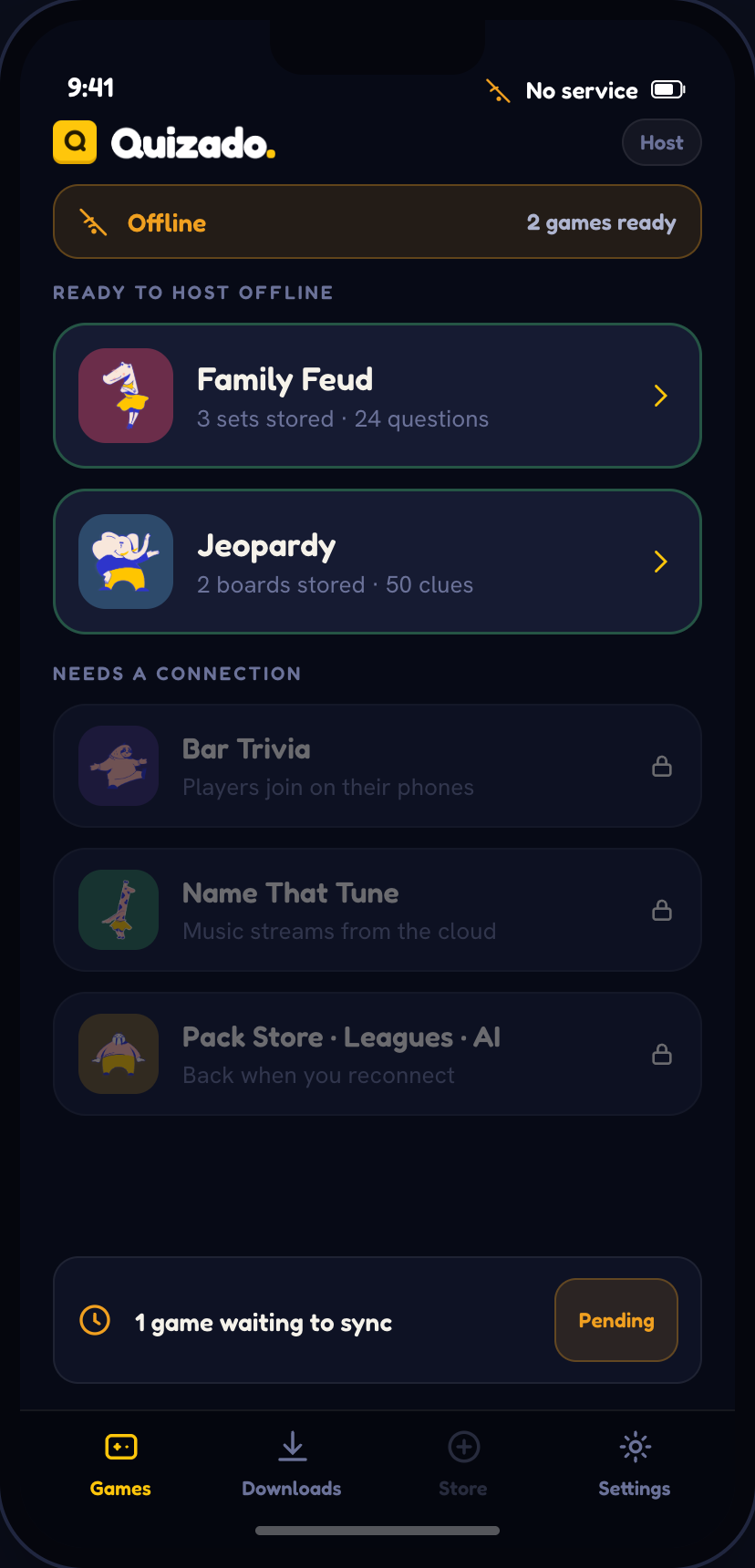
Family Face-Off, QuizoParty and Territory run with no internet.
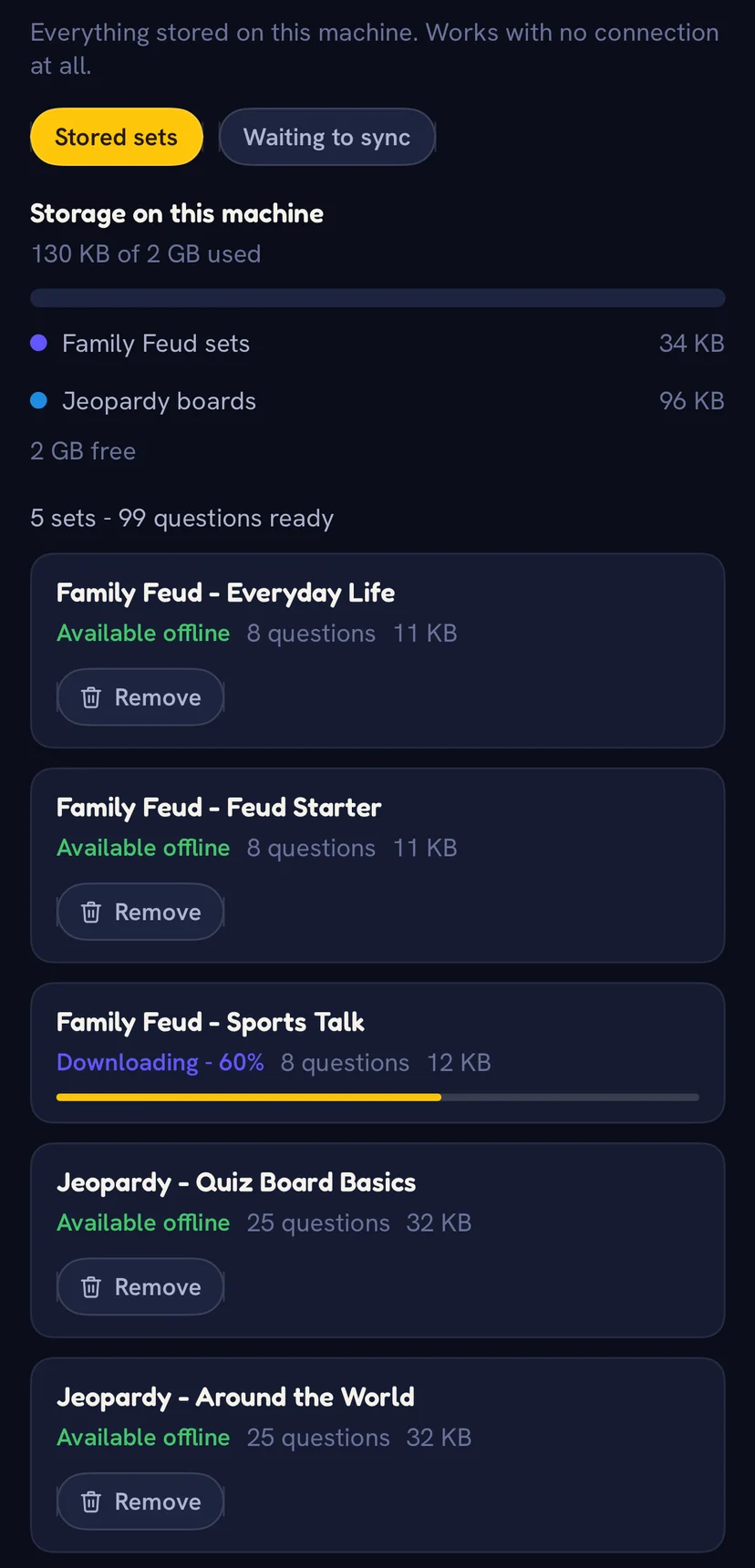
Download the sets while you have signal and host from the desktop or mobile app. Teams answer out loud, you mark it, and results sync when you reconnect. Bar Trivia still needs a connection because players answer on their phones.
Stored on your device
The full board, every category and point value, plus text and image clues from the sets you downloaded.
Never stored
Audio and video clues. Those always need a connection, so plan an offline night around text and images.
Download it now, host on Thursday.
The free plan covers a real game for up to 4 players. No card, no trial clock, nothing to uninstall if you hate it.