Turn a quiz crowd into regulars.
One good night brings people in once. A league table, a team name they keep and a note from your venue bring them back.
Your nights count toward the league on every plan. Business opens the table.

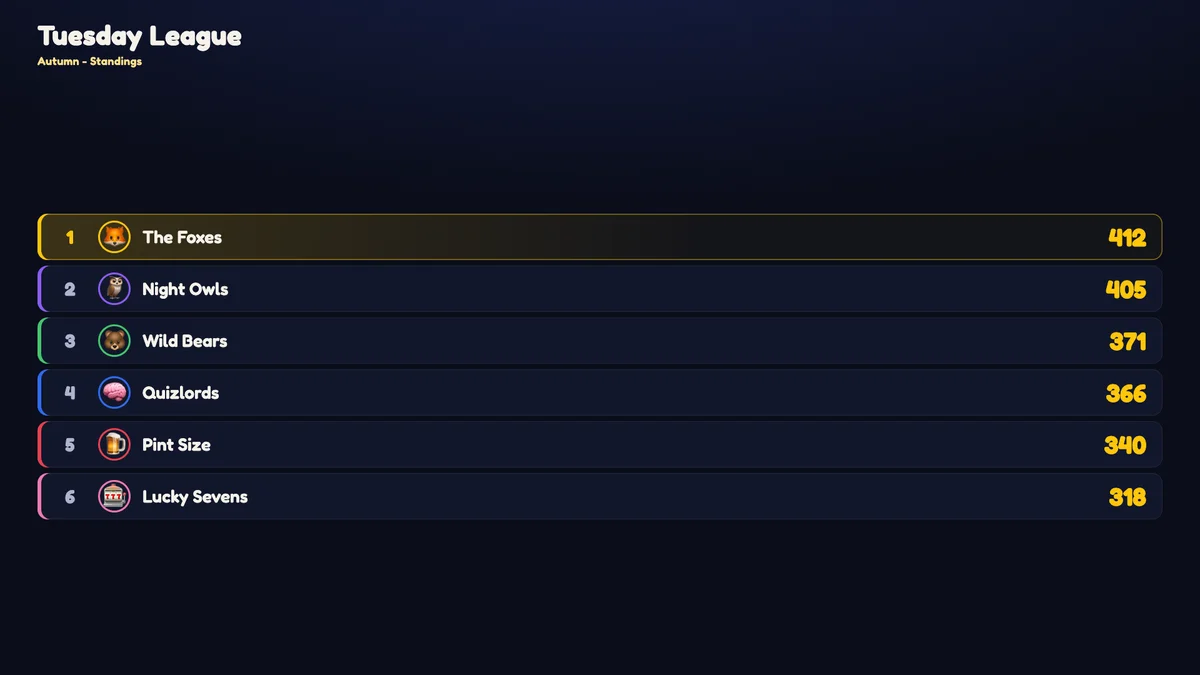
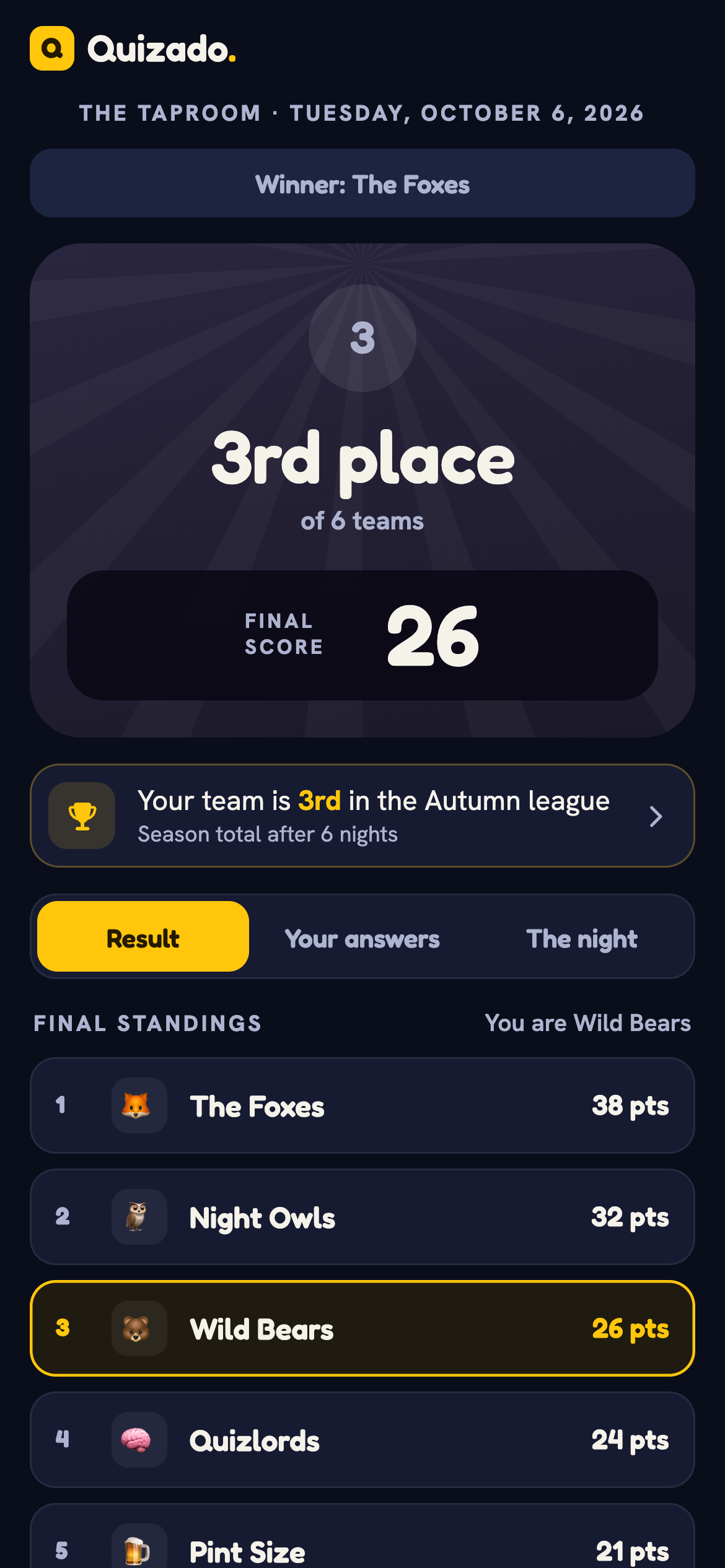
You never set it up. It is already running.
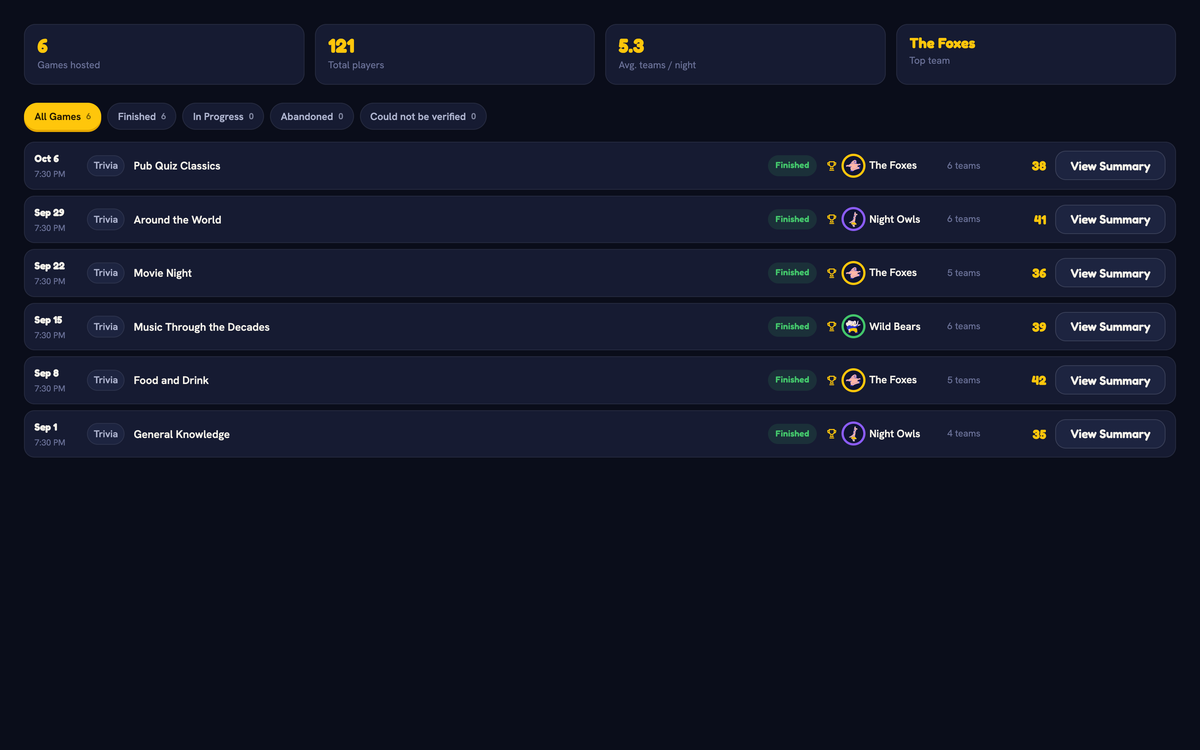
Every venue has a league from its first night. Each Trivia night adds to the table on its own. Seasons close and the next one opens without you.
- Seasons by quarter, by month, or opened and closed by hand
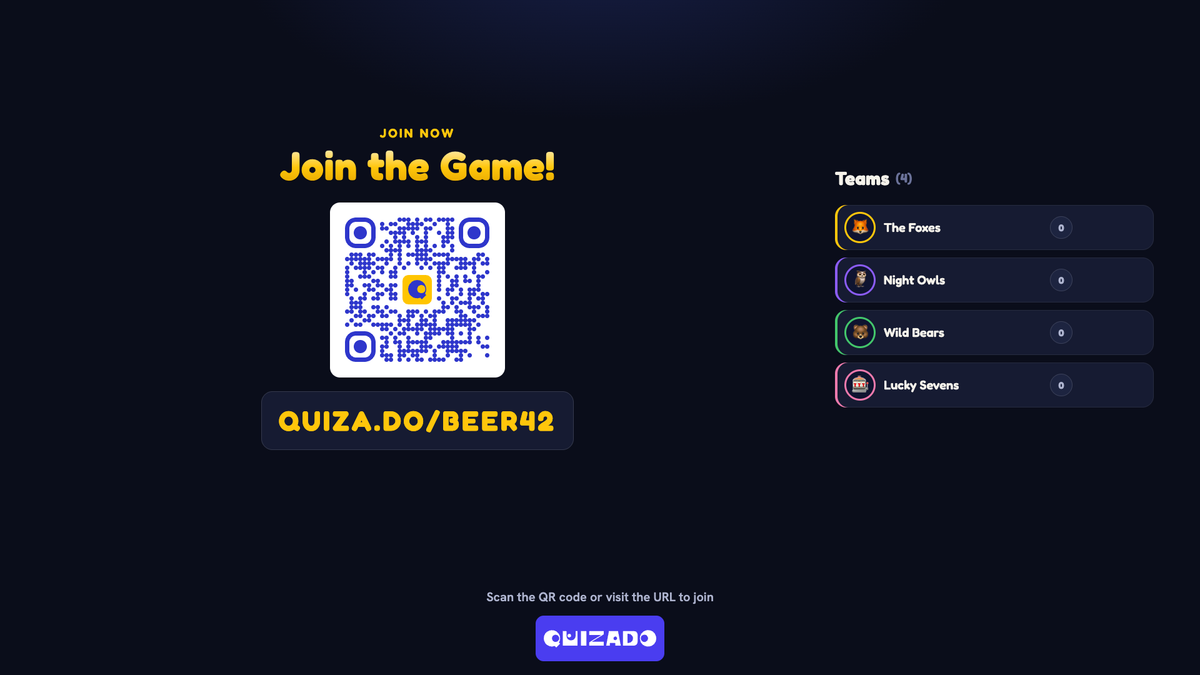
- "Show on big screen" puts the season table on your TV in your venue's look
- A public league page anyone can open, with no login
Business opens the full table. On other plans you see the real top three and the rest locked, so you know what is waiting.
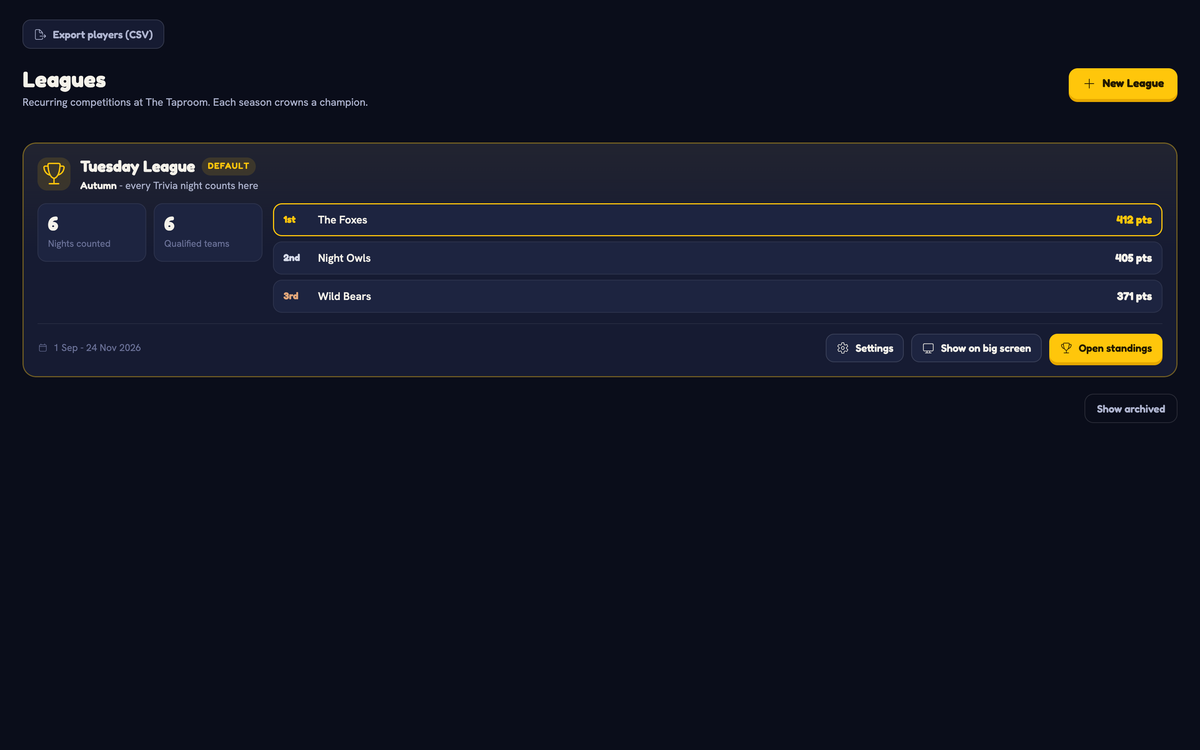

"Your team is 3rd in the league."
That line appears on every player's phone when the night ends, with a link to the table. It is the last thing they read before they decide about next week.
- Teams keep their name, colour and picture. A returning player picks the team from "Your teams".
- Players see their own history: games, wins and correct answers
- A national ranking of the top teams, for the ones who want more than your table
"Hi from your venue." After every league night.
Each player with a verified email gets the standings after each league night: their team's place, how far it moved, the top five and a link to the full table. It arrives in your venue's name.
- Sent for you. Nothing to write, nothing to schedule.
- One switch per league turns it on or off
- One-click unsubscribe in every mail
Part of Business.
Next Thursday's quiz, in their pocket.
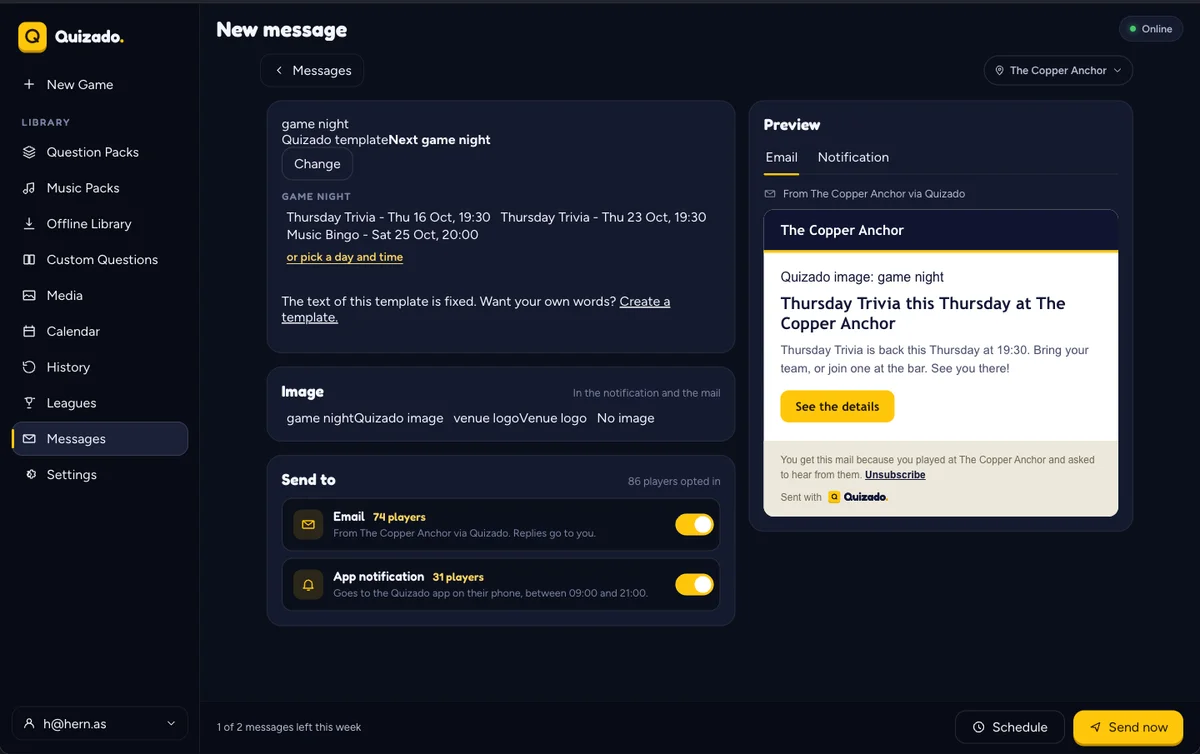
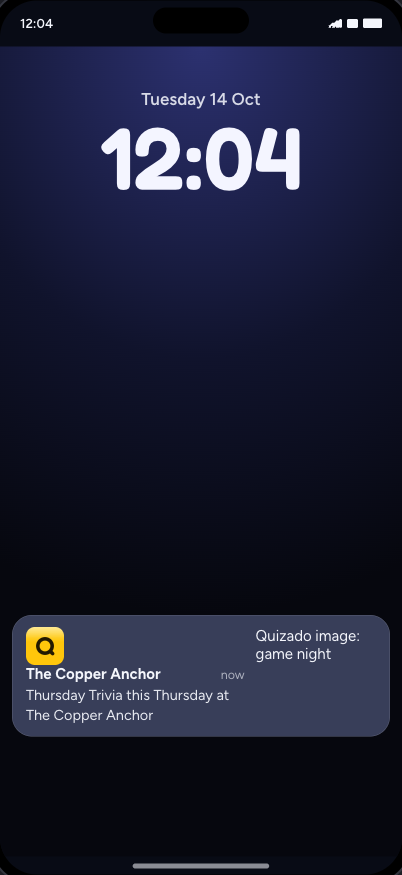
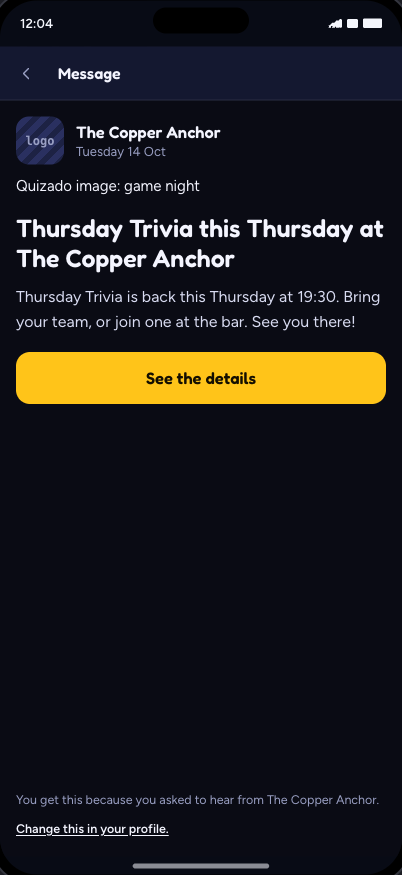
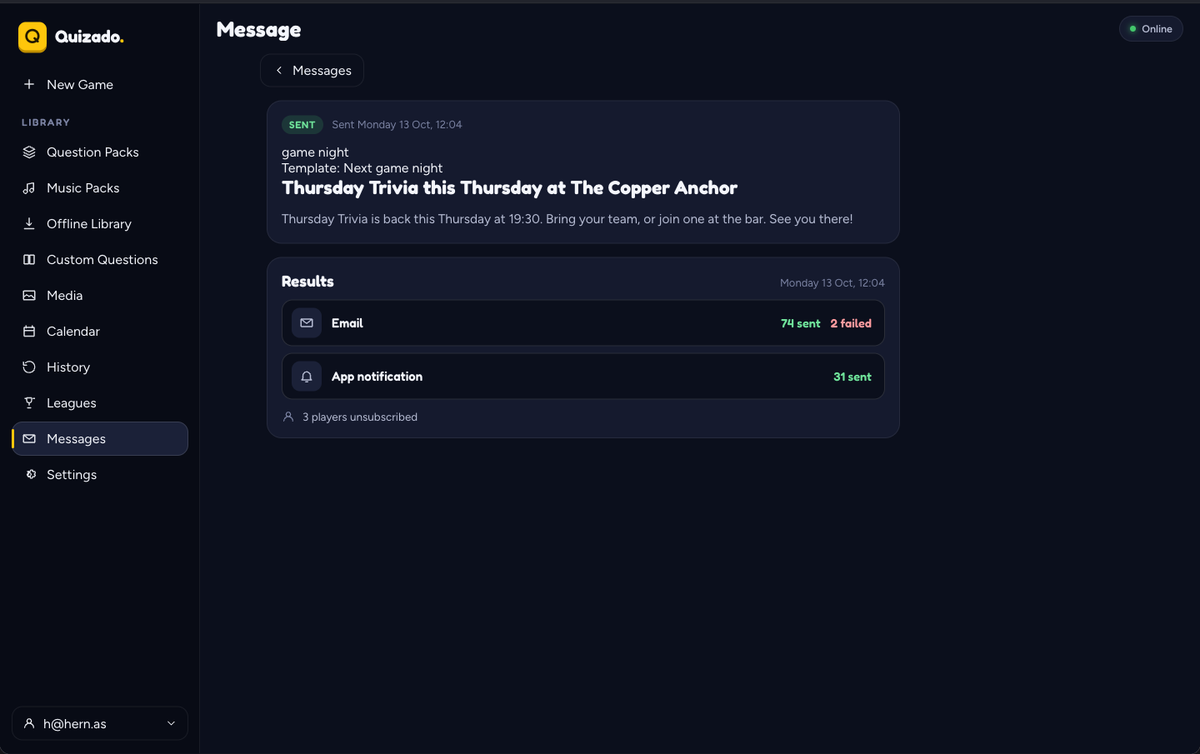
Write to the players who play at your venue and agreed to hear from it. Tell them about the next game night, or send an offer. The mail arrives as "your venue via Quizado", and replies go to you.
- Ready templates in 8 languages: the next game night and an offer. You fill in the game, the day and the time. One picture can go with the message.
- Email and app notification. The notification goes to the Quizado app on the player's phone, between 09:00 and 21:00.
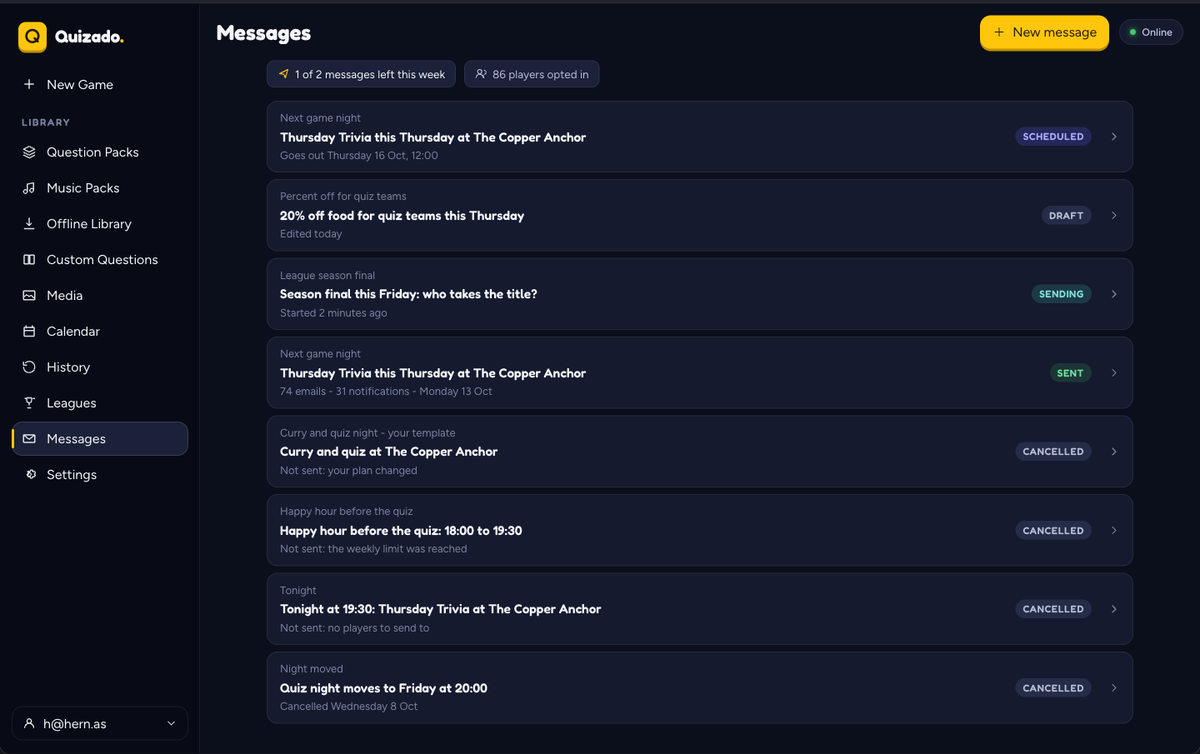
- See the reach first. You see how many players each channel reaches. Send now, or schedule up to 30 days ahead.
- At most 2 messages in 7 days, so your regulars are not flooded
- Your own words. Write your own template. Quizado checks it automatically before the first send.
Part of Business. You write messages in the web, desktop and mobile apps.
The players who asked to hear from you.
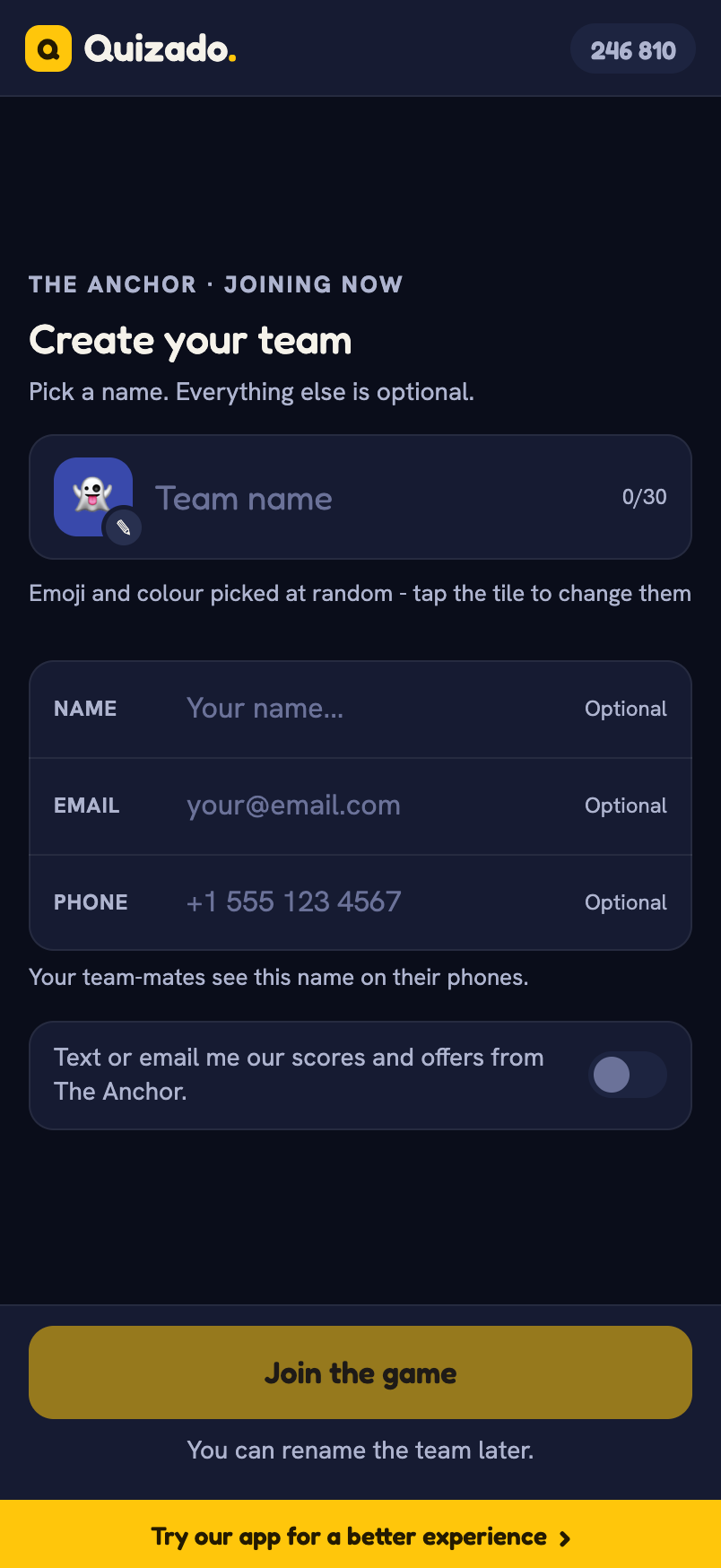
When a guest creates a team on their phone, one switch asks if your venue may send them scores and offers. The ones who say yes become a list you can download.
What it is, plainly
- Only players who opted in, verified their email and have not unsubscribed.
- The switch shows when a team is created, on Trivia nights. Expect about one contact for each team.
- You can write to these players from Quizado, or download the list for your own mail tool.
- Business plan, from the web dashboard.
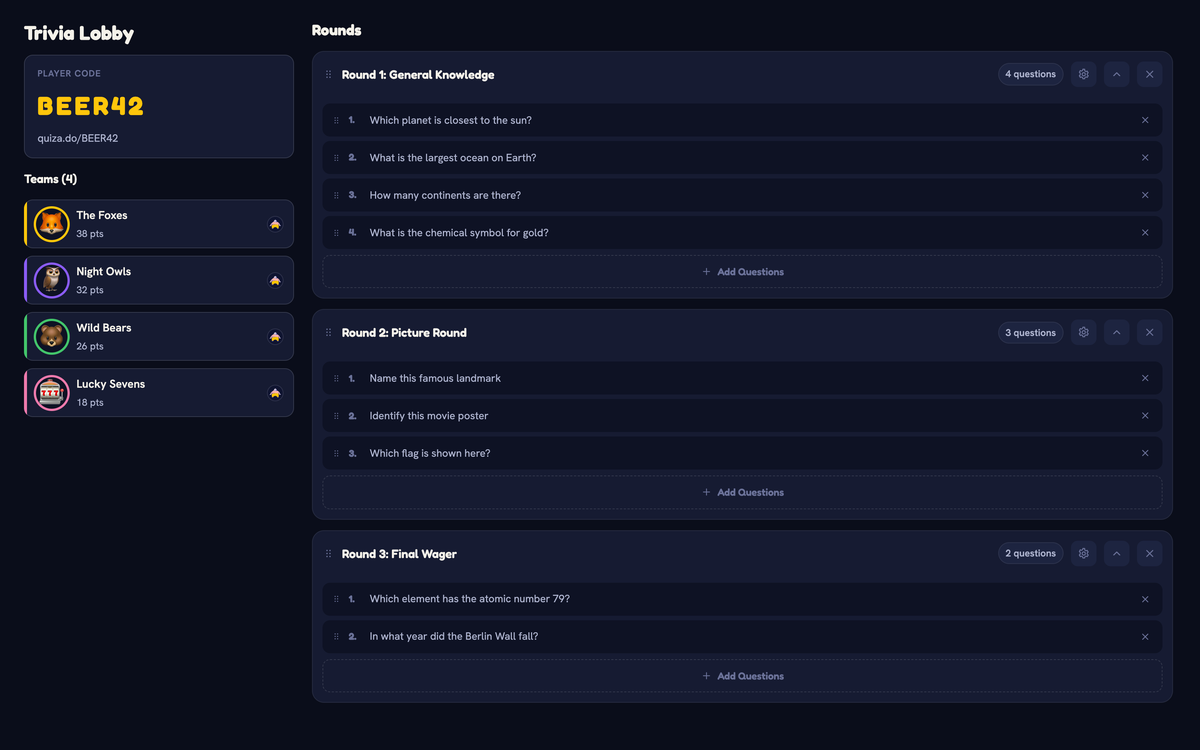
Same night. Same code. A different game.
Questions and answers.
Do I have to set the league up?
No. Your venue has a league from the first night, and each Trivia night is added to it. You can rename it, change how long a season runs, or add more leagues.
Which nights count toward the league?
Trivia nights, including Price Check, music rounds and Music Bingo rounds inside them.
Do players need an account?
No. A team name is enough to play. An email is optional, and a player who adds one confirms it with a code.
Can I send messages to my players from Quizado?
Yes, on Business. You start from a ready template or write your own. The message goes out by email and as a notification in the Quizado app. Only players who opted in get it, and they can stop the messages in one step.
Can a player stop the mails?
Yes. Every mail has a one-click unsubscribe, and that player leaves your guest list too.
Which plan do I need?
Business, for the full league table, the standings mail, messages to your regulars and the guest list. Your nights count toward the league on every plan.
Start week one of your league tonight.
Host a Trivia night on the free plan. It already counts. Open the table when the teams start asking where they stand.