Family Face-Off for your residents, ready in minutes.
Two teams, a survey board on the big screen and nothing to learn. Residents call the answers out, or buzz in on a phone in the browser with no app. One event? Pick a monthly plan and cancel anytime.
Host-led Family Face-Off and QuizoParty are on every plan. No personal phones needed for spoken answers.
- Spoken answers
- Familiar topics
- Your pace
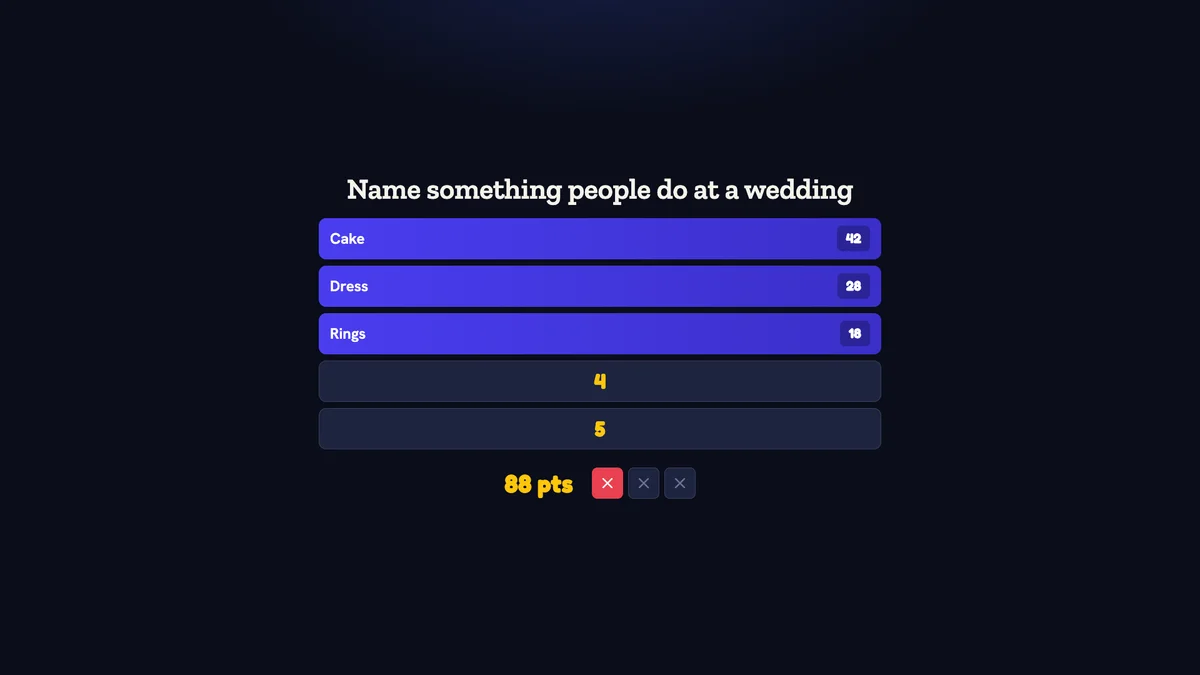
Inside Quizado · actual product screen
Ready to play in minutes.
Nothing to learn.
Pick a ready game
Start with a free Family Face-Off pack. On any paid plan, the AI writes a survey set on any topic you give it.
Players buzz in on their phones
Teams scan the QR code or type the code, then buzz in from the phone's browser. No app download and no account.
The board keeps the score
Answers flip on the big screen and Quizado adds up the points. The host reads the prompt and marks what the teams say.
An activity you can shape
around your residents.
Leave the phones aside
Use host-led QuizoParty or Family Face-Off: answers are called out and you award the points yourself. Residents can join in without a personal device.
Make room for conversation
Build a short round around films, hobbies or everyday interests. Pause between questions and let the group take the conversation somewhere new.
Prepare for your room
Use a TV or projector, check visibility from the seats, and rehearse downloaded game-show sets before an offline session.
A sample 30-minute
activity.
Allow 5 minutes for a welcome and a practice question, 15 minutes for a short game, and 10 minutes for conversation and a closing round. Treat this as a starting point for your activity schedule, not a required pace.
From your first idea
to the first round.
Start with the people in the room
Ask about favourite films, music, places and everyday interests. Review the questions for your group; do not assume everyone shares the same memories or background.
Pick a format with a comfortable way to answer
For participation without personal phones, choose Family Face-Off or QuizoParty, on every plan. Read the prompt aloud, invite spoken answers and use the host controls to award points.
Set up and check the room
Use a large screen and a comfortable volume. Check visibility from the seats, reduce distractions, and rehearse with your activity team before inviting residents.
Host a short session, with breaks
Prepare a small selection of questions and allow time for conversation between them. Offer team participation or observation, and adapt the session to the people attending.
One group. More than
one way to play.
Family Face-Off
Survey-style prompts, answer reveals and a host who leads the room. Good for a group that enjoys calling answers out together.
Try a sample answer board →Bar Trivia
Players answer on connected devices. Suitable where residents or visiting family are comfortable using a phone.
Explore phone-based trivia →QuizoParty
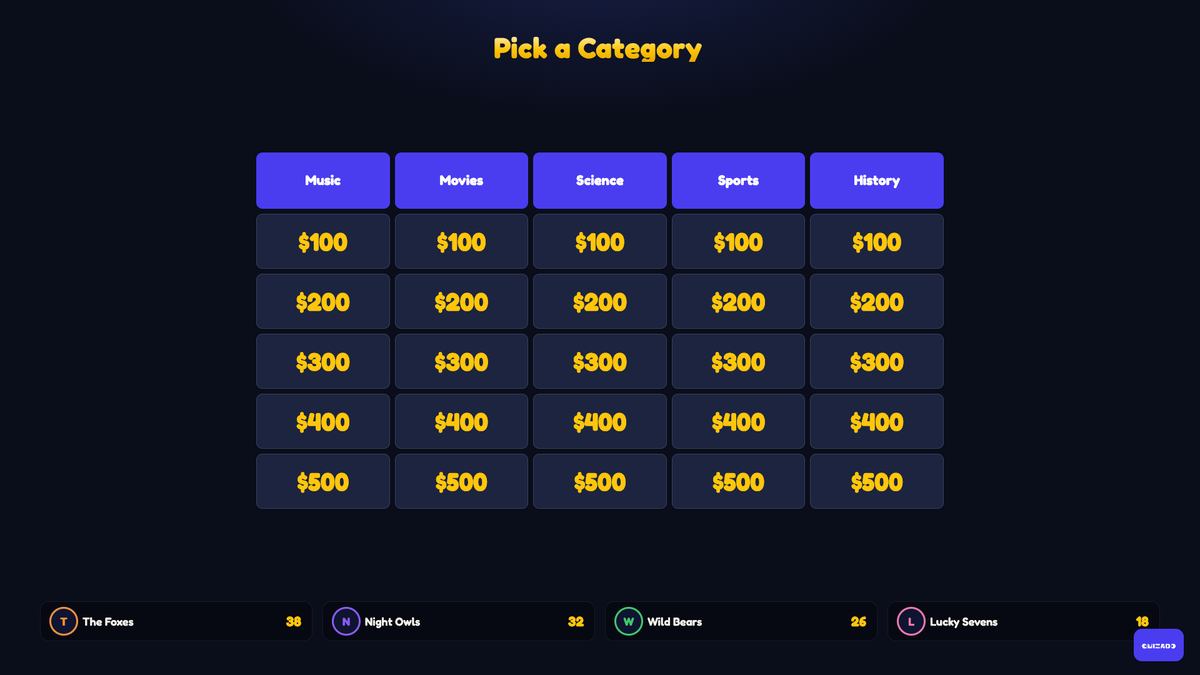
A category board, spoken answers and points awarded by your host. The most comfortable format for most activity rooms.
Try a sample category board →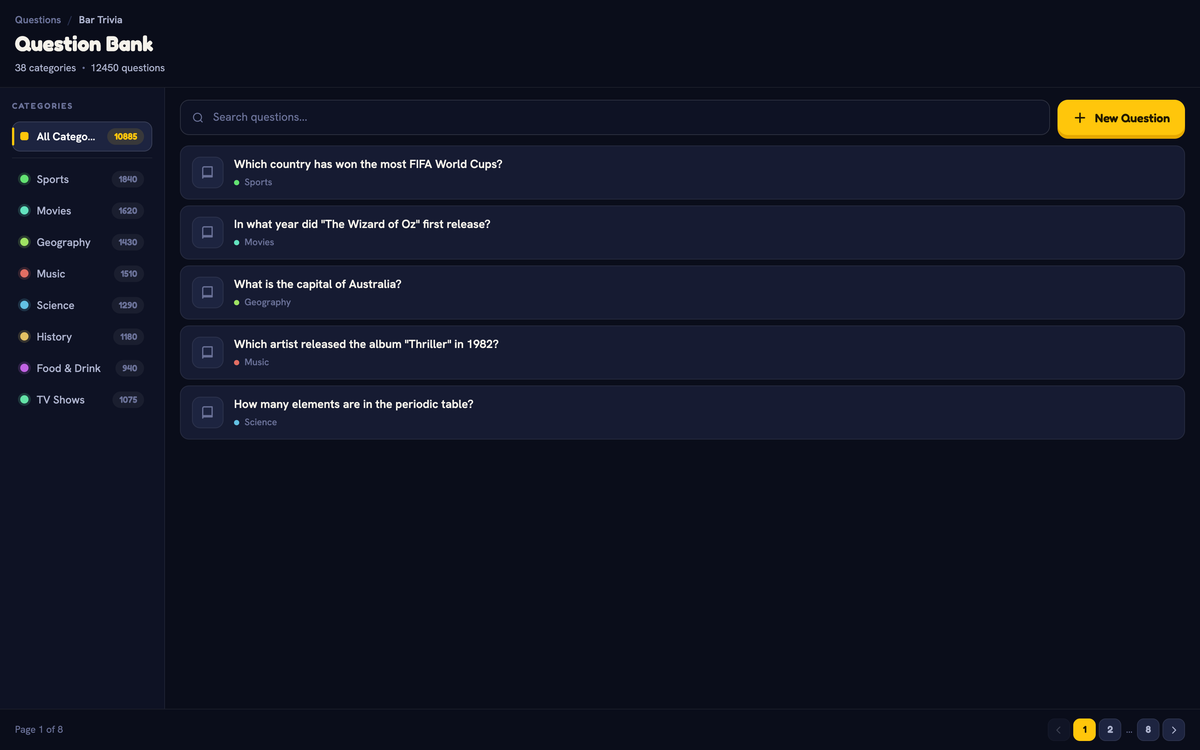
Quizado is an activity, not a therapeutic or clinical tool. Family Face-Off and QuizoParty are on every plan. On a paid plan, they and Territory run offline from downloads in the desktop and mobile host apps.
One event?
Pick a plan for that month.
Starter plan
The premium packs and no player cap for your event.
Business plan
The Business plan's features, including your own logo, colours and background on the big screen.
Cancel anytime
Pick a plan for the month of your event and cancel it when you like. If you play again, keep it.
Four sessions worth
putting on the calendar.
A weekly activity slot
- Familiar topics — films, music, places, food
- Host-led, so nobody needs a phone
- Short rounds with pauses for conversation
- Reuse boards, or swap in one new category
Family visiting days
- Visiting relatives join in as a team
- Questions about decades everyone remembers
- A shared screen the whole room can follow
- Something to do together beyond a conversation
Rooms with unreliable internet
- Family Face-Off and QuizoParty run offline in the desktop and mobile host apps
- Download the sets ahead of the session
- Text and image clues are stored on the device
- No dependency on the building network
Staff-led group sessions
- Your activity team hosts at their own pace
- Points awarded by hand, so close answers still count
- Rehearse with the team before residents arrive
- Large, high-contrast text on the big screen
Straight answers.
Do residents need a smartphone?
No. Host-led Family Face-Off and QuizoParty use spoken answers and your own scoring, so no personal device is needed.
Which plan includes those game shows?
Every plan, the free Home plan too. On every paid plan, both run offline in the desktop app and the iOS and Android host apps.
Can we use it if the activity room has unreliable internet?
Yes. Family Face-Off, QuizoParty and Territory run with no internet from games downloaded in advance, in the desktop app and the iOS and Android host apps, on a paid plan. The browser cannot host offline.
Is Quizado a therapeutic or clinical tool?
No. It is a group activity. Use your own judgement about what suits the people attending.
Can our team host it themselves?
Yes, and that is the intention. The app handles the board and scoring; your team sets the pace.
Can we pay for just one month?
Yes. Pick a monthly plan for the month of your event and cancel it anytime. Starter adds the premium packs; Business adds your logo on the big screen. A care home that plays every week can keep the plan.
Your next activity starts with one Family Face-Off.
Play Family Face-Off free, then pick a monthly plan for the month your residents play. Cancel anytime.
An activity, not a therapeutic or clinical tool