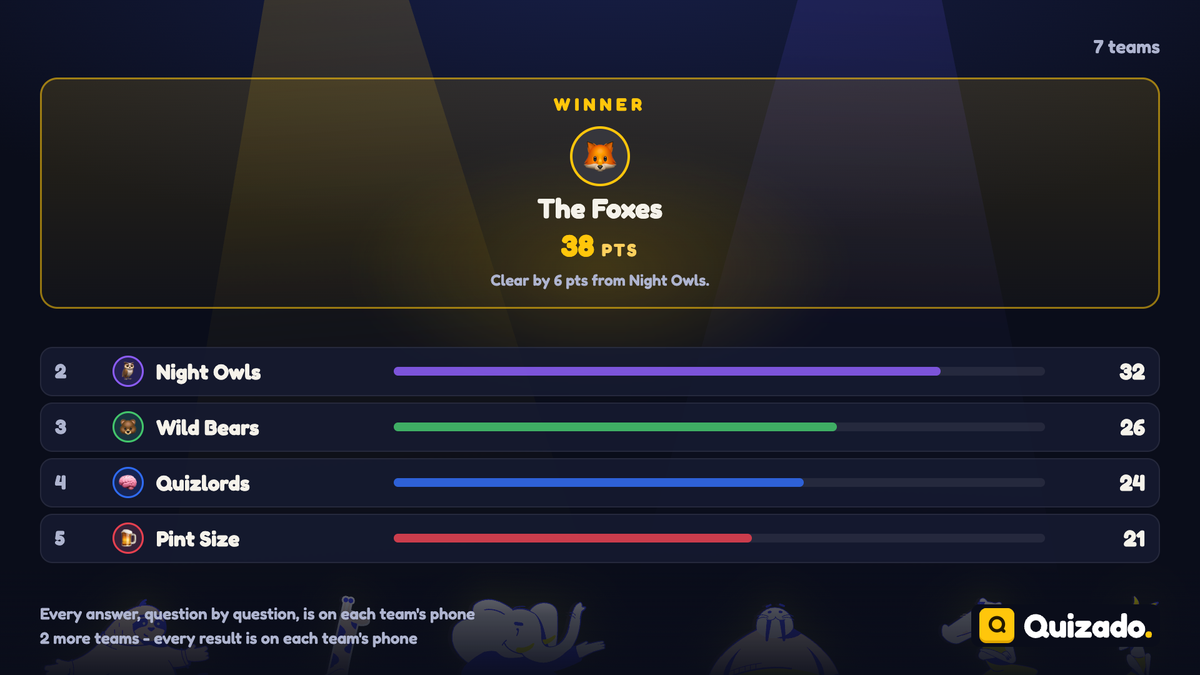
Wildly fun
team building experiences
hosted by you

  • Jeopardy & Family Feud like games
  • Tens of different questions & answers
  • Your own branding
  • Customizable questions & answers
Download Quizado for iOS

We're also available on

macOS Windows Linux Android

How to Run Team Quizzes for Engaged Corporate Teams

November 28, 2025

Over 70 percent of american teams say engaging activities make a real difference in workplace morale and trust. The right team quiz can do more than just entertain. It can break down communication walls, spark creativity, and reveal new strengths in your group. Whether you manage a small startup or a large corporate team, this guide lays out each step for designing a quiz experience that energizes participation and drives a stronger sense of community.

Table of Contents

Quick Summary

Important InsightExplanation
1. Define quiz goals clearlyEstablishing specific objectives helps shape the quiz format and question types to ensure effective team engagement.
2. Choose the right platformSelecting a user-friendly platform enhances participation and ensures the quiz meets the team’s needs for collaboration.
3. Customize quiz brandingPersonalizing the quiz with unique branding fosters a sense of belonging and makes the event more relevant to participants.
4. Clearly communicate game rulesOutlining the rules and assigning roles ensures participants understand the game dynamics, leading to a smoother experience.
5. Gather and review feedbackAnalyzing results and collecting feedback provides insights for future quizzes and enhances team development strategies.

Step 1: Define your quiz goals and audience

Before launching a team quiz, understanding your specific objectives and target participants is crucial. According to research from Eric ED, team building aims to develop a cohesive, mutually supportive group with high expectations for task accomplishment. This means your quiz should align directly with your broader team development strategy.

Start by asking key questions about your quiz purpose. Are you seeking to boost team morale, assess knowledge, break down communication barriers, or simply create an entertaining group experience? Your goals will shape every aspect of quiz design. For instance, a knowledge assessment quiz will require different question types and difficulty levels compared to a purely entertainment focused game. Consider your team dynamics carefully make sure the quiz feels inclusive and engaging for all participants.

A strategic tip is to survey team members beforehand about their interests and comfort levels. This preliminary research helps you craft a quiz that resonates with your specific group. 7 Fun Ways to Engage with Quiz Questions and Answers can provide additional inspiration for creating compelling quiz content that keeps everyone motivated and involved.

Once you understand your goals, you are ready to move on to selecting the right quiz format and designing compelling questions that will captivate your team's attention.

Step 2: Set up your quiz platform and content

Preparing the right platform and content is essential for creating an engaging team quiz experience. According to Online Exam Maker, providing well-crafted quiz questions can enhance communication and collaboration within a team, fostering a positive and energetic atmosphere.

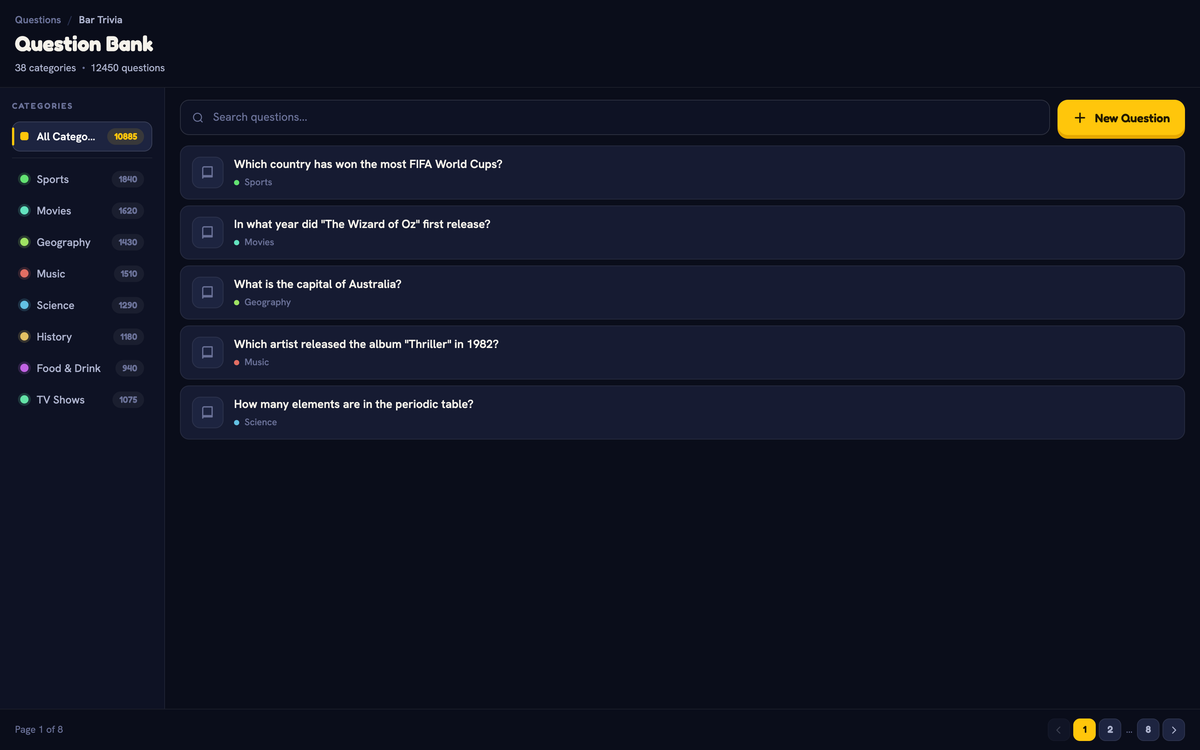
Start by selecting a user friendly quiz platform that supports your specific team needs. Look for features like customizable question formats, easy team configuration, and remote participation capabilities. When designing your content, aim for a mix of question types that challenge and entertain your team. Consider including multiple choice, true false, and short answer questions to keep participants engaged. Interactive Game Show Platforms Comparison can help you understand the various options available for creating an interactive quiz experience.

A strategic tip is to create questions that reflect your team's unique culture and experiences. Avoid generic trivia and instead develop content that resonates with your specific group. This might include questions about company history, recent projects, or shared team experiences. By personalizing the quiz, you increase participant interest and make the activity more meaningful.

custom quiz platform

With your platform selected and content prepared, you are now ready to move forward with organizing and structuring your team quiz event.

Step 3: Customize teams and branding elements

Personalizing your team quiz with unique branding and team configurations transforms a standard activity into an engaging corporate experience. Understanding the Role of Branding in Team Building highlights the significance of creating a distinctive visual identity that resonates with your organization.

Start by selecting a platform that allows comprehensive customization. Upload your company logo, choose color schemes that match your brand palette, and create team names that reflect your organizational culture. Consider grouping participants strategically mixing departments or skill levels to encourage cross team interaction and collaboration. This approach breaks down traditional workplace silos and promotes innovative thinking.

A strategic tip is to make branding elements fun and meaningful. Instead of generic team names, use creative identifiers like project names, company values, or internal references that spark conversation. For example, teams could be named after significant company milestones or recent successful initiatives. This not only personalizes the experience but also reinforces organizational pride and shared history.

With your teams configured and branding elements in place, you are now ready to move forward to the next exciting phase of your team quiz preparation.

Step 4: Explain game rules and assign roles

Clear communication of game rules and strategic role assignment are critical for creating a smooth and engaging team quiz experience. According to Leaders Mind Global, effective team performance involves defining clear purposes, identifying key activities, and selecting the right people with well understood responsibilities.

Begin by outlining the quiz rules comprehensively and transparently. Explain scoring mechanisms, time limits, question types, and any specific gameplay nuances. Assign specific roles within each team to maximize participation and engagement. Some potential roles might include team captain, answer validator, time keeper, and strategic coordinator. Each role should have distinct responsibilities that contribute to the team strategy. University of Management and Technology emphasizes the importance of understanding appropriate team roles and conduct to prevent potential conflicts.

A strategic tip is to rotate roles during the quiz to keep participants engaged and provide everyone an opportunity to lead. This approach not only maintains excitement but also helps team members develop diverse skills and perspectives. Encourage teams to develop their own internal communication strategies and support mechanisms that align with the quiz objectives.

With rules clearly communicated and roles strategically assigned, you are now prepared to launch an interactive and dynamic team quiz experience.

Step 5: Conduct the quiz and manage participation

Running a successful team quiz requires active management and strategic facilitation. According to Study.com, incorporating team building activities like quizzes can significantly enhance communication and trust among team members, creating a positive and energetic workplace atmosphere.

As the quiz progresses, maintain an engaging and supportive environment. Monitor team dynamics closely, ensuring all participants feel included and motivated. How to Encourage Team Participation suggests using techniques like real time feedback, gentle encouragement, and recognizing collaborative efforts. Pay attention to team energy levels, be prepared to adjust pacing, and intervene if any team seems disengaged or struggling.

A strategic tip is to create moments of spontaneity and fun. Encourage playful interactions, celebrate creative answers, and keep the competitive spirit light hearted. According to ASD Sport Compass, establishing an inclusive environment where participants understand broader themes of teamwork is critical. Recognize not just correct answers, but also teamwork, creativity, and enthusiasm.

With the quiz complete, you are now ready to review results and celebrate your team's collaborative achievements.

Step 6: Review results and gather feedback

Considering the outcomes of your team quiz is crucial for continuous improvement and organizational learning. According to Wellhub, measuring team building activities requires setting SMART goals and tracking engagement levels to understand the activity's impact on daily performance.

Begin by analyzing quiz results from multiple perspectives. Look beyond simple scores to examine team dynamics, participation rates, and collaborative problem solving. Team Feedback Process Guide suggests conducting a comprehensive review that goes deeper than numerical outcomes. Schedule a debrief session where teams can share their experiences, discussing both challenging moments and unexpected insights gained during the quiz.

As recommended by Tamakkun, use diverse assessment methods to gather meaningful feedback. Consider implementing anonymous surveys, one-on-one conversations, and group discussions to capture nuanced perspectives. A strategic tip is to create a psychologically safe environment where participants feel comfortable sharing honest reflections. Pay special attention to identifying learning opportunities, team strengths, and potential areas for future team development.

With results analyzed and feedback collected, you are now prepared to translate these insights into actionable strategies for future team building initiatives.

Infographic of six steps for running team quizzes.

Elevate Your Corporate Team Quiz Experience with Custom Solutions

Running an engaging team quiz can challenge even the most experienced managers. The article highlights common hurdles like aligning quiz goals with team dynamics, personalizing content, managing participation, and reinforcing collaboration. Struggling to keep energy high while fostering meaningful interaction is a real pain point many teams face. You want to boost morale and communication without the stress of complicated setups.

That is where quizado.com comes in as your perfect partner. Our platform empowers you to create customized quizzes tailored to your organization’s unique culture and branding. You can easily configure teams, upload company logos, and design question sets that engage and entertain. With features supporting remote participation and diverse quiz formats, you nurture collaboration and creativity naturally. Explore quiz games designed to enhance workplace fun and connection under our free-time category for ideas that perfectly match your team-building goals.

https://quizado.com

Take control of your next corporate quiz event with quizado.com and transform it into an unforgettable team-building experience. Visit quizado.com now to start customizing your interactive quiz games. Step up engagement, celebrate team achievements, and reinforce your organization’s spirit today.

Frequently Asked Questions

How do I determine the goals for my team quiz?

To determine your quiz goals, start by asking what you want to achieve. Whether you aim to boost morale, assess knowledge, or foster communication, write down these objectives and use them to guide your quiz design.

What platform should I use to set up my team quiz?

Select a user-friendly quiz platform that meets your team's needs, such as customizable question formats and remote participation capabilities. Try at least two options and decide which features best suit your group by comparing their functionalities within a week.

How can I create engaging quiz questions for my team?

Craft engaging questions by including a mix of question types, like multiple choice, true/false, and short answer, tailored to your team's interests. Personalize questions by reflecting your team's culture and experiences to enhance engagement and connection.

What roles should I assign during the quiz to keep participants engaged?

Assign specific roles such as team captain, answer validator, and timekeeper to maximize participation. Rotate roles throughout the quiz to keep everyone involved and to develop diverse skills among team members.

How can I effectively manage participation during the quiz?

Maintain an engaging environment by monitoring team dynamics and encouraging all members to participate. Use techniques like real-time feedback and acknowledgment of creative answers to maintain energy and enthusiasm throughout the quiz.

What should I do after the quiz to evaluate its effectiveness?

After the quiz, analyze results from multiple perspectives, including team dynamics and participation rates. Set up a debrief session to discuss insights and gather feedback to identify strengths and areas for improvement, aiming for actionable strategies within the next month.

Recommended

Ready to have fun?

Download Quizado for iOS

We're also available on

macOS Windows Linux Android