Family Face-Off for your team, ready in minutes.
Two teams, a survey board on the big screen and nothing to learn. Colleagues buzz in on their phones in the browser, with no app to install. Pay for the one event, not a subscription.
Family Face-Off and QuizoParty are free to play online. Free Bar Trivia admits up to 4 player phones.
- Office or remote
- Buzz in from any phone
- Live scores
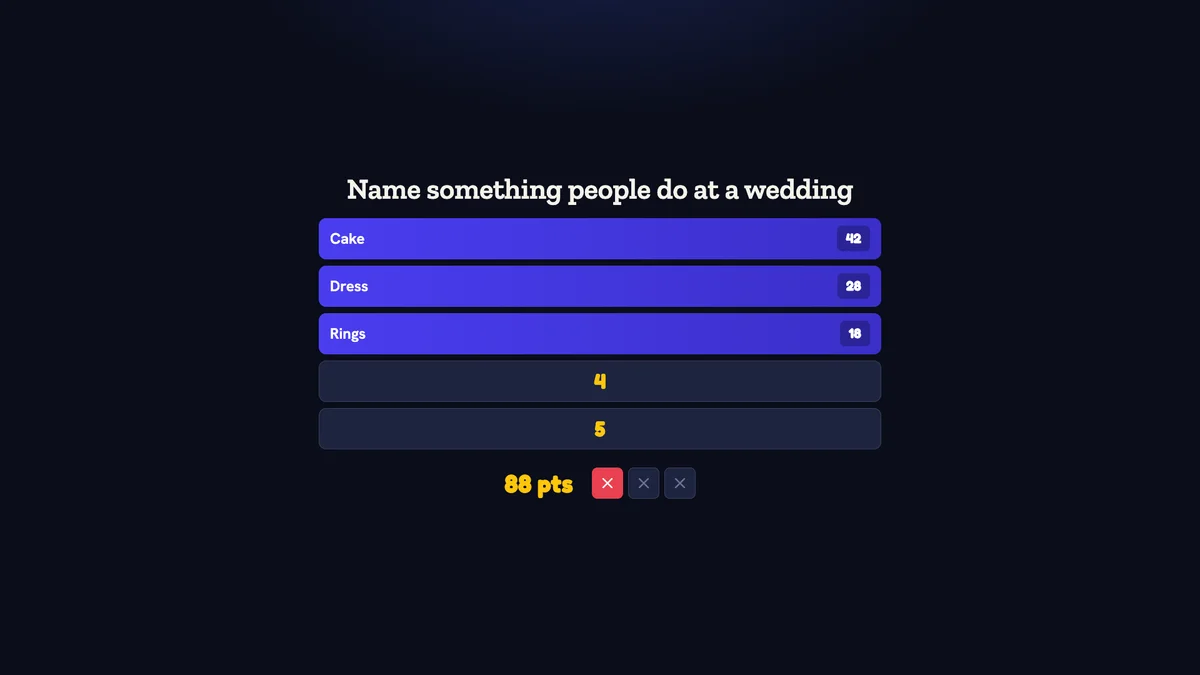
Inside Quizado · actual product screen
Ready to play in minutes.
Nothing to learn.
Pick a ready game
Start with a free Family Face-Off pack. On any paid plan, the AI writes a survey set on any topic you give it.
Players buzz in on their phones
Teams scan the QR code or type the code, then buzz in from the phone's browser. No app download and no account.
The board keeps the score
Answers flip on the big screen and Quizado adds up the points. The host reads the prompt and marks what the teams say.
A team event with a
clear starting point.
Make joining straightforward
Put the game on a shared screen. Coworkers scan the QR code or open the join link in a browser for Bar Trivia.
Make it feel like your team
Mix general-interest questions with a few company topics on custom authoring. Keep it welcoming for new colleagues.
Bring remote colleagues in
Share the same display in your video call, test audio with a colleague, and leave time for everyone to join and answer.
A sample 45-minute
team social.
Allow 5 minutes to join and practise, 15 minutes for the first rounds, a 5-minute break, then 15 minutes of play and 5 for results. For remote teams, test screen sharing and audio with a colleague first.
From your first idea
to the first round.
Plan for your group
Choose a short social or a longer offsite game. Start with general-interest questions and avoid relying on company knowledge new colleagues may not have.
Prepare and review the rounds
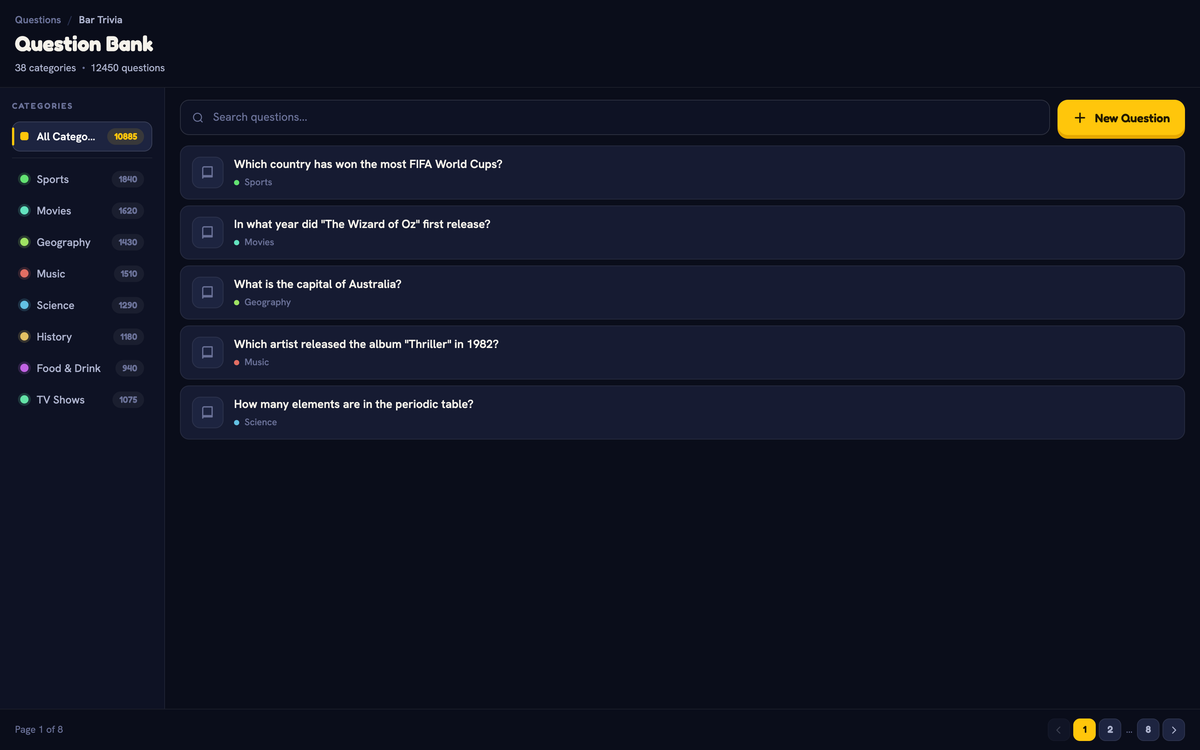
Use a ready-made pack or create questions about your team on a plan with custom authoring. Verify AI generated answers before the event.
Share a screen and invite players
For an office event, connect a TV or projector. For a remote game, share the display in your video call. Bar Trivia requires internet access.
Lead the game and show the scores
Explain the rules, run a practice question, then start the rounds. Quizado handles scoring and the leaderboard — leave time between rounds for conversation.
One group. More than
one way to play.
Family Face-Off
Survey-style prompts, answer reveals and a host who leads the room. Two teams, and the rest of the office watching.
Try a sample answer board →Bar Trivia
Players answer on their phones. The free plan admits up to 4 player phones; paid plans and Event Passes have no cap.
Explore phone-based trivia →QuizoParty
A category board, spoken answers and points awarded by your host. Good for a room where not everyone wants to use a phone.
Try a sample category board →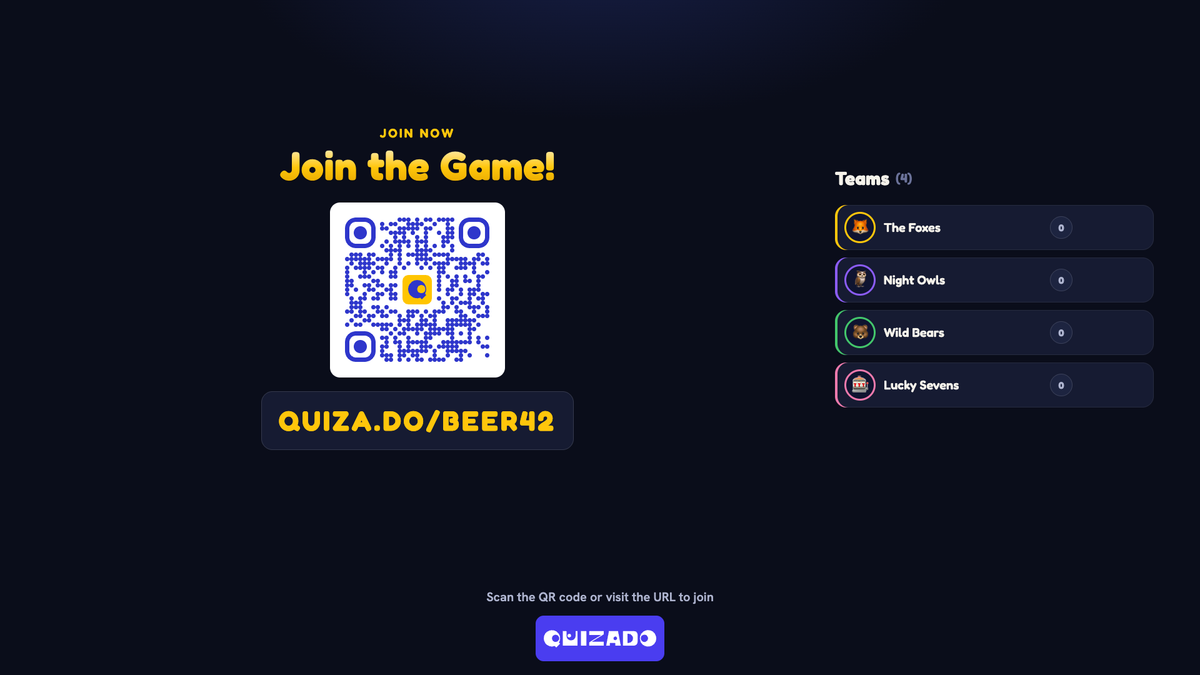
Bar Trivia, QuizoParty and Family Face-Off are on every plan. Bar Trivia needs an internet connection.
Pay for one event.
No subscription.
Base Event Pass
The Starter plan's features for one event, with no player cap.
Full Event Pass
The Business plan's features, including your own logo, colours and background on the big screen.
72 hours from activation
The pass starts when you activate it and runs for 72 hours. An unused pass stays valid for 12 months, so you can buy it early.
Four events that are
better with a quiz.
Office socials
- A Friday afternoon that does not need a venue booking
- Mixed teams, so people meet outside their own department
- Short rounds so people can drift in and out
- Automatic scoring — nobody has to be the scorekeeper
Offsites and away days
- A longer game between sessions, or an evening event
- Mix general knowledge with questions about the company
- QuizoParty as a hosted game show on every plan
- A shared screen the whole room can see
Remote and hybrid teams
- Share the game screen in your video call
- Players answer on their own phones wherever they are
- Test audio and screen sharing with one colleague first
- Needs internet access for every player
Onboarding and new joiners
- Avoid inside jokes and company history in the questions
- A low-pressure way for new people to talk to the room
- Team mascots instead of putting names on a screen
- Practice round first, so nobody is caught out
Straight answers.
How many people can join for free?
Family Face-Off and QuizoParty are free to play online. Free Bar Trivia admits up to 4 player phones per game, and the free plan starts 2 games in 24 hours. Paid plans and Event Passes have no player cap.
Can we add questions about our company?
Yes. Play your own from Pro upwards, or generate them with AI on any paid plan. Review AI-generated answers before the event — company facts are exactly where a draft gets things wrong.
Can remote colleagues play?
Yes. Share the game display in your video call and they answer on their own phones. Bar Trivia needs internet access for every player.
Does Quizado supply an event host?
No. Someone from your team hosts, which is usually what makes it work. The app handles the questions, the clock and the scoring.
Do people need to install anything?
No. Players scan the QR code or type the code and play in the phone's browser, with no app and no account. The host runs the game from a browser or the Quizado app.
Do we need a subscription?
No. An Event Pass pays for one event. If your team plays every week, a monthly plan may suit you better: monthly billing, cancel anytime.
Your next team social starts with one Family Face-Off.
Play Family Face-Off free, then get an Event Pass for the day the whole team plays. No subscription.
Family Face-Off is free to play online. No app for your colleagues.