In this post+
Every trivia night host knows the right scoring method can turn casual players into die-hard regulars. With guest engagement on the line, choosing a system that balances fairness and excitement is more than just a technical detail. Exploring options like standard points, escalating rounds, or weighted categories is about creating energy and transparency so teams stay invested until the final question. Selecting the best trivia scoring system empowers your venue to shape the competitive spirit and keep guests coming back.
Table of Contents
- Step 1: Select the Best Trivia Scoring System
- Step 2: Configure Game Show Software for Scoring
- Step 3: Implement and Test Scoring Rules
- Step 4: Verify Results for Fairness and Accuracy
Quick Summary
| Key Insight | Explanation |
|---|---|
| 1. Choose the Right Scoring System | Different systems create unique dynamics; select one aligned with your venue's goals for optimal engagement. |
| 2. Test Your Scoring Setup | Conduct practice rounds to ensure scoring accuracy and identify any potential issues before the event. |
| 3. Verify Fairness Post-Event | Review scoring outcomes thoroughly to maintain trust and address any ambiguities that arose during play. |
| 4. Document Rules Clearly | Clearly display scoring rules to minimize disputes and ensure all participants understand how scoring works. |
| 5. Engage the Audience | Customize point systems to keep competition tight and maintain participant interest throughout the trivia night. |
Step 1: Select the Best Trivia Scoring System
Choosing the right scoring system shapes how your guests experience trivia night. Different approaches reward different behaviors, so picking one aligned with your venue's goals matters before you start.
Start by identifying what you want trivia to accomplish at your bar or restaurant. Do you want to keep competition tight throughout the night, or does clinching early make sense for your format? Different scoring systems create different rhythms and tension levels.
Here are the main scoring approaches to consider:
- Standard points per question - Award fixed points (10, 25, 50) for correct answers. Simple and familiar to most players.
- Escalating points - Increase point values as rounds progress. Creates momentum and makes later questions worth more.
- Bonus multiplier system - Add point multipliers for consecutive correct answers or speed-based bonuses. Rewards accuracy and quick response times.
- Weighted categories - Assign different point values based on difficulty or category type. Lets skilled teams shine in their strength areas.
Research on different scoring systems used in competitions shows that your choice directly impacts fairness and how quickly leaders emerge. Some systems let one team dominate early, while others keep multiple teams competitive throughout the night.
Here's a comparison of popular trivia scoring systems and their impact on player experience:
| Scoring System | Complexity Level | Engagement Impact | Best For |
|---|---|---|---|
| Standard points | Very easy | Predictable tension | New or casual players |
| Escalating points | Moderate | Rising excitement | Competitive groups |
| Bonus multiplier | Higher complexity | Momentum swings | Experienced participants |
| Weighted categories | Moderate | Skill-based rewards | Mixed skill audiences |
Consider your audience. When you're hosting trivia for bars and restaurants, tight competition keeps people engaged longer. Casual players prefer systems they understand instantly, while seasoned trivia enthusiasts appreciate complexity.
Test your chosen system with a trial round. Watch how scores develop and whether the format creates the engagement you wanted. Adjust if needed before committing to it for the full night.
The scoring system you select becomes invisible to players when it's intuitive, but it shapes every moment of competition and engagement.
Pro tip: Document your chosen scoring system on a visible board or screen so all teams understand it from the start. Clear rules prevent disputes and let players focus on the questions, not confusion about how they're being scored.
Step 2: Configure Game Show Software for Scoring
Once you've selected your scoring system, it's time to set it up in your game show software. Most platforms let you customize point values, multipliers, and bonus structures to match your chosen approach.
Start by accessing the settings or configuration menu in your software. Look for scoring options where you can define point values for each question type or round. Different platforms organize this differently, so locate the scoring section specific to your setup.
Configure these key elements:
- Base point values - Set standard points awarded for correct answers (10, 25, 50, or your chosen amounts).
- Difficulty multipliers - Assign higher points to harder questions if using weighted categories.
- Speed bonuses - Enable bonus points for faster answers if your system rewards quick responses.
- Round escalation - Increase point values in later rounds to build momentum and excitement.
- Tiebreaker rules - Define how ties are broken if scores finish equal.
When you're enhancing corporate events with interactive game shows, ensure your software displays scores prominently so all players track standings in real time. Real-time visibility keeps tension high and engagement strong throughout the night.
Test the configuration with a practice round before your actual event. Run through a few questions and verify that points calculate correctly and display properly on your host screen and contestant displays. Catch any errors now rather than mid-event.
Proper software configuration turns your chosen scoring system from theory into flawless execution that guests experience seamlessly.
Adjust visual settings so team scores are large and easy to read from across your venue. Dim screens or small fonts cost you audience attention when players can't see who's winning.

Pro tip: Save your configured scoring setup as a template within your software so you can quickly replicate it for future trivia nights without reconfiguring each time.
Step 3: Implement and Test Scoring Rules
Now it's time to put your scoring system into action and verify it works as intended before your actual event. Testing catches problems early and ensures scoring runs smoothly when guests arrive.
Start by creating a test run using your software with sample questions and teams. Run through multiple questions across different rounds to watch how points accumulate and display. Pay attention to whether calculations match your expectations.
Test these specific elements:
- Point calculations - Verify correct answers award the exact points you configured.
- Multiplier application - Confirm bonus points and difficulty multipliers apply correctly.
- Score accumulation - Check that running totals update accurately after each question.
- Leaderboard display - Ensure team rankings update in real time and display prominently.
- Tiebreaker execution - Test scenarios where two teams finish with equal scores.
Best practices for setting scoring rules in quiz environments include testing with different question types to ensure your system handles multiple choice, true/false, and open responses consistently. Each question type may calculate differently, so verify all of them.
Run a full pilot round with actual team members before your event. This reveals how real players interact with your scoring system and whether confusion arises. Watch for complaints about fairness or questions about point calculations.
Testing exposes problems when there's no audience watching, not during your live event when stakes feel high.
Document any issues you find and adjust your configuration accordingly. Small tweaks now prevent big frustrations later.
Pro tip: Create a checklist of test scenarios (correct answer, wrong answer, tied score, last-round comeback) and run through each one systematically to ensure comprehensive coverage before game night.
Step 4: Verify Results for Fairness and Accuracy
After your trivia night ends, take time to review final scores and confirm that your scoring system worked fairly and accurately for all teams. This verification protects your venue's reputation and builds player trust for future events.
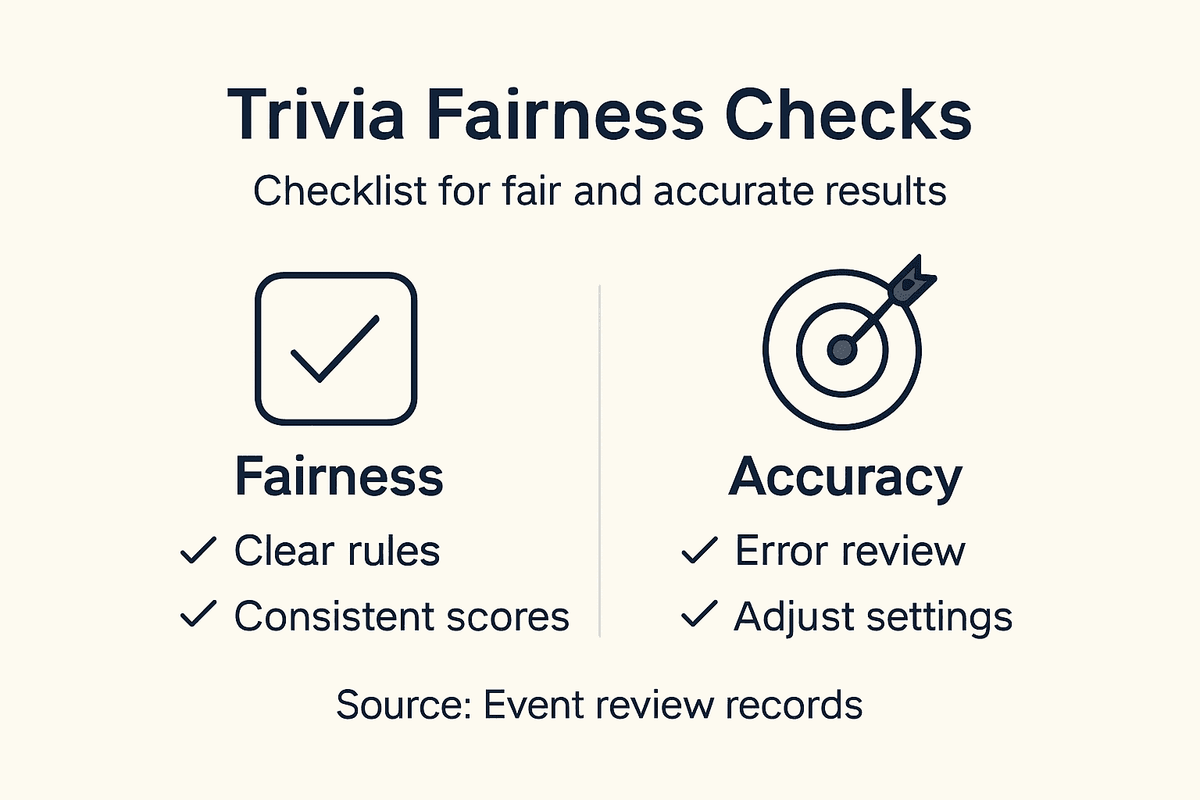
Start by pulling detailed scoring reports from your software showing point breakdowns by question, round, and team. Most platforms export this data, giving you a complete picture of how scores developed.
Examine these key areas:
- Point calculation accuracy - Verify that all points were awarded correctly according to your configured rules.
- Consistency across teams - Check that identical answers received identical points regardless of team.
- Leaderboard progression - Confirm the final standings match the accumulated points shown in reports.
- Bonus application - Verify multipliers and speed bonuses applied uniformly.
- Question anomalies - Note if any single question caused scoring disputes or seemed problematic.
Research on detecting scoring biases in assessments shows that analyzing patterns across different groups reveals hidden fairness issues. Look for questions where one team consistently scored differently than others on identical responses.
Review player feedback and complaints. If multiple teams questioned a specific question's scoring, investigate whether your rules applied fairly or if the question itself was ambiguous.
Fair scoring builds credibility and encourages teams to return for your next trivia night.
Adjust your system based on what you learned. If certain question types caused confusion or scoring delays, simplify them for future events.
For quick reference, use this summary to verify key scoring accuracy points post-event:
| Verification Focus | What to Check | Why It Matters |
|---|---|---|
| Point calculation | All scores match rules | Prevents disputes |
| Bonus/multiplier fairness | Equal application across teams | Maintains trust and fairness |
| Leaderboard consistency | Rankings match reported totals | Ensures transparency |
Pro tip: Keep detailed scoring records from each trivia night so you can identify patterns across multiple events and continuously refine your system based on real data, not assumptions.
Elevate Your Trivia Nights with Expert Scoring and Interactive Technology
Mastering trivia scoring systems is essential for creating energized game nights that keep teams engaged and coming back for more. Whether you prefer standard points, escalating values, or bonus multipliers, the key is a scoring setup that is intuitive, fair, and exciting. Quizado makes applying these proven scoring methods effortless by offering a powerful game show software designed to bring professional-quality quiz experiences to bars, restaurants, and private events.
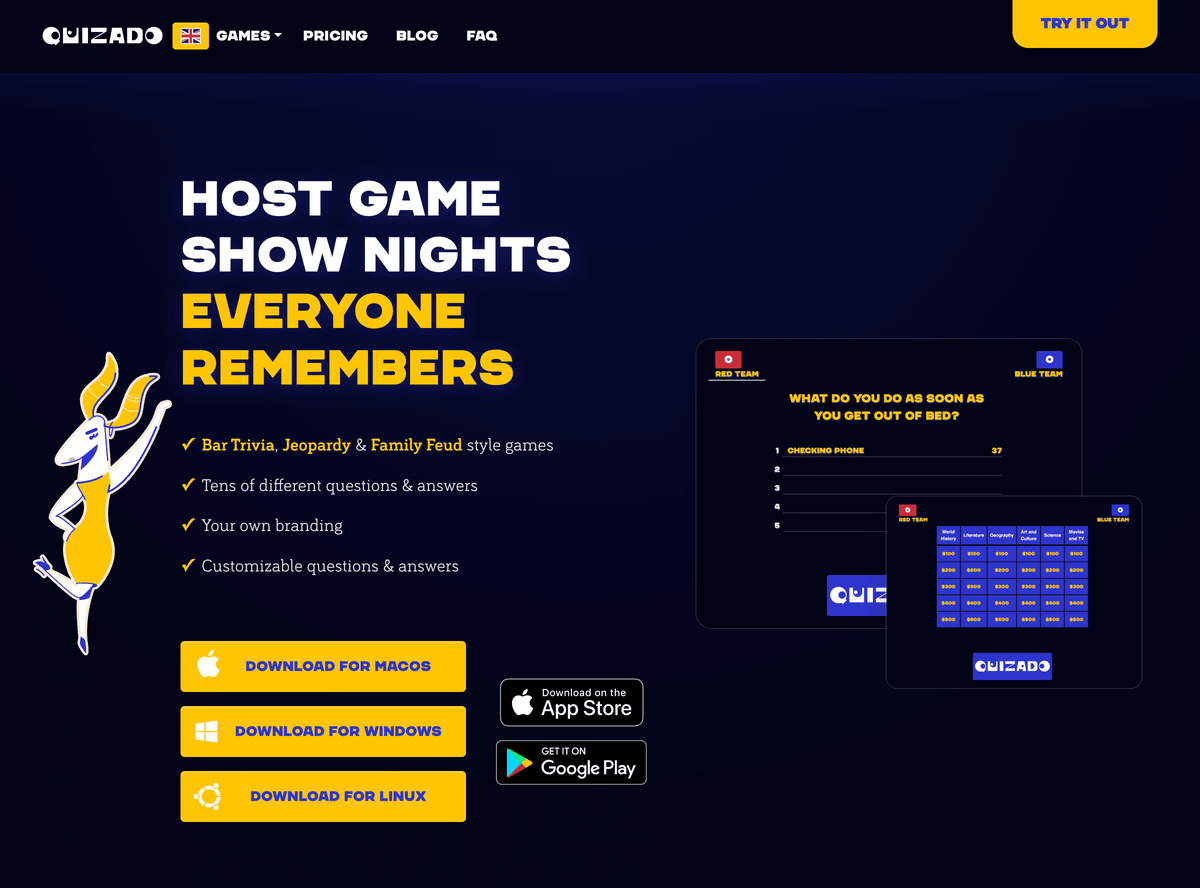
Take control of your trivia night with customizable scoring settings and real-time leaderboards that highlight every point, bonus, and tiebreaker instantly. Quizado runs every game on its servers, so a reload or a device switch never loses the scores. Explore our rich libraries including general questions or tailor your own to fit your audience. Start impressing your players now by visiting Quizado.com and see how you can transform your trivia nights into unforgettable events.
Frequently Asked Questions
What scoring systems can I use for trivia nights?
You can choose from several scoring systems, including standard points per question, escalating points, bonus multipliers, and weighted categories. Assess your audience's experience and goals to determine which method aligns best with your vision.
How can I test my trivia scoring system before the event?
Run a test round using sample questions and teams to see how points accumulate and verify calculations. This practice will allow you to identify any issues well before your live event starts.
What should I document for my trivia scoring rules?
Document your scoring system clearly, including point values, multipliers, and tiebreaker rules, and display it visibly during the event. This transparency helps prevent disputes and keeps teams focused on answering questions rather than confusion about scoring.
How do I ensure fairness in trivia scoring?
Verify the accuracy of point calculations and bonus applications by reviewing detailed scoring reports after the event. Adjust your questions and scoring rules as necessary to maintain fairness in future trivia nights.
Why is it important to choose a scoring system tailored to my audience?
A scoring system aligned with your audience's preferences creates the right tension and engagement throughout trivia night. Choose a method that keeps competition tight for casual players and accommodates more complex strategies for seasoned trivia enthusiasts.
For the steps in Quizado, read our help article: How does scoring work? Points, wrong-answer penalties and the speed bonus
Recommended
Host a quiz with your group
Find a hosting setup for your venue, company, classroom or activity group.