In this post+
Hosting a memorable team building event can feel overwhelming when you factor in technology failures, disengaged participants, and unpredictable venue conditions. Many organizers face these challenges because traditional methods fall short in creating interactive experiences that truly resonate. This guide delivers a proven workflow using interactive game show software to transform your events, ensuring higher engagement, seamless execution, and measurable results that justify your investment.
Table of Contents
- Prerequisites: What You Need Before Starting
- Stepwise Workflow Of Hosting A Team Building Event
- Customization And Interactivity: Enhancing Engagement
- Technical Setup And Troubleshooting
- Common Mistakes And Troubleshooting
- Expected Outcomes And Benchmarks
- Discover Specialized Tools For Seamless Team Building
- Frequently Asked Questions About Team Building Workflows
Key takeaways
| Point | Details |
|---|---|
| Structured workflow improves success | Planning 4 to 6 weeks ahead and using a clear process boosts event outcomes significantly. |
| Reliable tools prevent disruptions | Software that runs the game on its servers, plus a backup hotspot, keeps the experience going. |
| Technical rehearsals are essential | Conducting dry runs helps you catch problems before the live event. |
| Engagement increases | Smartphone-based interaction keeps people more involved than passive formats. |
| Customization enhances relevance | Branded content and tailored questions create stronger connections with participants. |
Prerequisites: what you need before starting
Before diving into event execution, gather the right tools and conduct essential venue assessments. Success starts with preparation, not improvisation.
You need reliable game show software as your foundation. Venues like conference centers and restaurants often struggle with WiFi reliability, so choose software that runs the game on its servers, bring a mobile hotspot, and use an app that can continue Family Feud or Jeopardy offline if the connection drops. Participants should bring smartphones or tablets to serve as buzzers and remote controls, creating an inclusive and competitive atmosphere.
Assess your venue environment thoroughly. Visit the space beforehand to check screen visibility, sound quality, and seating arrangements. Test WiFi strength in multiple areas, but remember your backup plan should never depend on it working perfectly. Prepare customizable question banks that blend ready-made content with company-specific trivia to maintain relevance and interest.
Allocate dedicated time for technical rehearsals and script preparation. Walk through the entire event flow with your equipment at least once, ideally twice. This step alone prevents the majority of execution problems you might encounter on event day.
Your essential checklist includes:
- Interactive software that keeps the game on its servers, with smartphone buzzer support
- Adequate display screens visible to all participants
- Audio equipment for music, sound effects, and host announcements
- Branded question sets mixing corporate themes with general knowledge
- Written event scripts and transition plans for hosts
- Backup power sources and device charging stations
- Participant onboarding materials explaining how to join and play
Investing time in these prerequisites separates smooth, professional events from chaotic disappointments. The best team building games require proper infrastructure, and rushing this foundation guarantees problems later.
Stepwise workflow of hosting a team building event
A clear sequence transforms preparation into execution. Follow these steps to deliver consistent, high-quality experiences.
-
Plan your timeline 4 to 6 weeks before the event. Early planning allows you to secure venues, customize content, and coordinate participant schedules without last-minute stress. Planning ahead and conducting dry runs helps prevent live event failures, giving you the confidence to focus on engagement rather than firefighting technical issues.
-
Customize question content strategically. Mix ready-made question libraries with company-specific trivia that references internal jokes, milestones, or department facts. This balance keeps content fresh while creating personal connections. Aim for 60% general knowledge and 40% customized material to maintain broad appeal.
-
Conduct a full technical rehearsal. Run through the entire event with all equipment, software, and team members at least 48 hours before go-live. Test participant device connections, buzzer responsiveness, scoring systems, and display quality. Identify weak points now rather than during the actual event.
-
Manage participant onboarding digitally. Create simple instructions for joining the game via smartphone, ideally with QR codes displayed on screens. Assign team formations in advance when possible, but keep flexibility for last-minute attendee changes. Clear onboarding prevents confusion and speeds up event start times.
-
Run the event with dedicated host controls. Separate your host interface from the participant display to maintain control and create surprises. Use real-time tracking to monitor team performance, adjust pacing, and celebrate wins immediately. Keep energy high with enthusiastic hosting and well-timed breaks.
-
Collect feedback immediately after completion. Send digital surveys within 24 hours while experiences remain fresh. Ask specific questions about engagement levels, technical smoothness, and team cohesion improvements. Use this data to refine future events.
This workflow creates repeatability. Once you master it, scaling to larger events or multiple sessions becomes straightforward.
Customization and interactivity: enhancing engagement
Generic content produces generic results. Tailored experiences create memorable moments that strengthen team bonds.
Smartphone buzzers revolutionize participation by giving every person a voice. Buzzer systems keep players more engaged than passive watching or hand-raising formats. Participants feel competitive, included, and invested in outcomes when they control their own responses.
Incorporate custom branding throughout your event. Upload company logos, choose color schemes that match corporate identity, and select visual themes that resonate with your culture. Modern designs appeal to tech-forward teams, while retro game show aesthetics create nostalgic fun. Branding transforms a generic quiz into a company experience.
Blend question types strategically. Include multiple-choice trivia for accessibility, true/false statements for quick pacing, and open-ended challenges for creativity. Company-specific content might reference recent projects, leadership quotes, or industry trends your team follows. Ready-made libraries fill gaps and maintain professional quality.
Configure team sizes flexibly based on your group dynamics. Smaller teams of 3 to 5 people encourage individual participation, while larger teams of 8 to 10 work better for massive groups where not everyone needs to answer every question. Adjust configurations between rounds to mix participants and build cross-department relationships.
Pro Tip: Light customization often outperforms overcomplicated formats. Adding 10 to 15 company-specific questions to a solid ready-made library creates relevance without overwhelming preparation time. Focus your energy on hosting quality rather than content perfectionism.
Interactivity extends beyond questions. Use music rounds, picture puzzles, and sound effect challenges to vary sensory experiences. Incorporate team names, mascots, and friendly trash talk to build competitive spirit. The goal is active participation, not passive consumption.
Technical setup and troubleshooting
Technology enables great events, but poor technical execution destroys them. Prepare proactively to avoid common pitfalls.
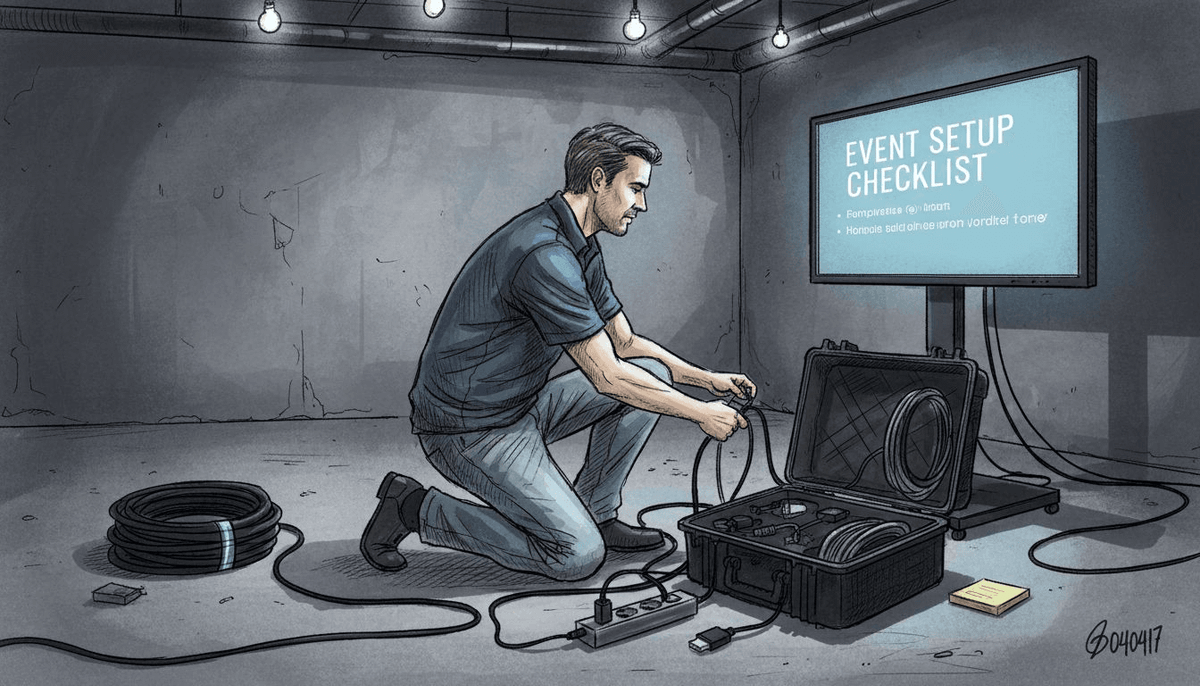
Plan for weak venue WiFi from the start, not as a backup plan. Even venues advertising strong WiFi often disappoint during peak usage. Bring a mobile hotspot, and for Family Feud or Jeopardy store your sets in the desktop or mobile app so the game can continue offline if the connection drops. Test a reload and a device switch during rehearsals to confirm the game picks up where it left off.
Set up separate host control screens that participants cannot see. This separation allows you to preview questions, manage scoring, and control pacing without spoiling answers. Position host equipment where you maintain clear sight lines to both the display screen and the audience.
Conducting technical rehearsals helps prevent event failures. During dry runs, test every participant device type you expect, including both iOS and Android phones. Confirm buzzer latency remains under 2 seconds and scoring updates display instantly. Run through complete question sets to catch any content loading issues.
Prepare backup plans for common venue tech failures. Bring your own HDMI cables, audio adapters, and power strips rather than relying on venue equipment. Keep a mobile hotspot available if you absolutely need internet for specific features. Have a printed question list as an absolute last resort.
Pro Tip: Create a technical checklist that you review 60 minutes before event start. Verify display connections, test audio levels, confirm participant access codes work, and run one sample question end to end. This final check can catch many last-minute issues.
| Common Issue | Root Cause | Quick Fix |
|---|---|---|
| Participants cannot join | Wrong access code or URL | Display QR code prominently and announce code verbally |
| Buzzer lag or no response | Poor device connectivity | Check the WiFi or hotspot and let players rejoin; the game state stays on the server |
| Audio not playing | Wrong output device selected | Check system audio settings and cable connections |
| Scoring not updating | Software glitch or freeze | Restart host application using saved event state |
| Display too dark or small | Poor screen setup | Adjust projector brightness and font size settings |
Technical confidence comes from preparation, not luck. Invest time upfront to guarantee smooth execution when it matters most.
Common mistakes and troubleshooting
Even experienced organizers fall into predictable traps. Recognize these errors early and implement proven fixes.
Skipping rehearsals ranks as the biggest mistake organizers make. Skipping technical rehearsals is a common cause of live event disruptions, turning what should be engaging experiences into frustrating technical disasters. Schedule mandatory rehearsals and treat them as seriously as the actual event. Walk through transitions, test timing, and practice recovering from simulated problems.
Inadequate participant onboarding creates confusion and disengagement. When people don't understand how to join, answer, or use buzzers, they mentally check out within minutes. Neglecting participant onboarding also lowers engagement. Provide clear, visual instructions displayed on screens and verbally explained by hosts. Offer a practice round before competitive play begins.
Overcomplicated rules reduce participation rates dramatically. Introducing complex scoring systems, multi-phase challenges, or convoluted team structures overwhelms participants who just want to have fun. Keep rules simple enough to explain in under 90 seconds. Complexity adds cognitive load without improving enjoyment.
Poor branding or generic content overlooks cultural impact. Using off-the-shelf questions with no company relevance feels impersonal and forgettable. Participants remember events that reflect their shared experiences and inside knowledge. Dedicate time to customization or your event blends into the background noise of corporate activities.
Additional mistakes to avoid:
- Starting late due to technical difficulties that rehearsals would have caught
- Ignoring team size balance, creating unfair competitive advantages
- Failing to celebrate wins and recognize top performers immediately
- Using hosts who lack energy or struggle with technology
- Neglecting post-event follow-up and feedback collection
Fixes are straightforward. Schedule rehearsals. Create clear onboarding materials. Simplify rules. Customize content. Celebrate participants. These adjustments transform mediocre events into memorable experiences that teams discuss for weeks.
Expected outcomes and benchmarks
Set realistic expectations and measure success with concrete metrics. Understanding typical results helps you evaluate ROI and refine future events.
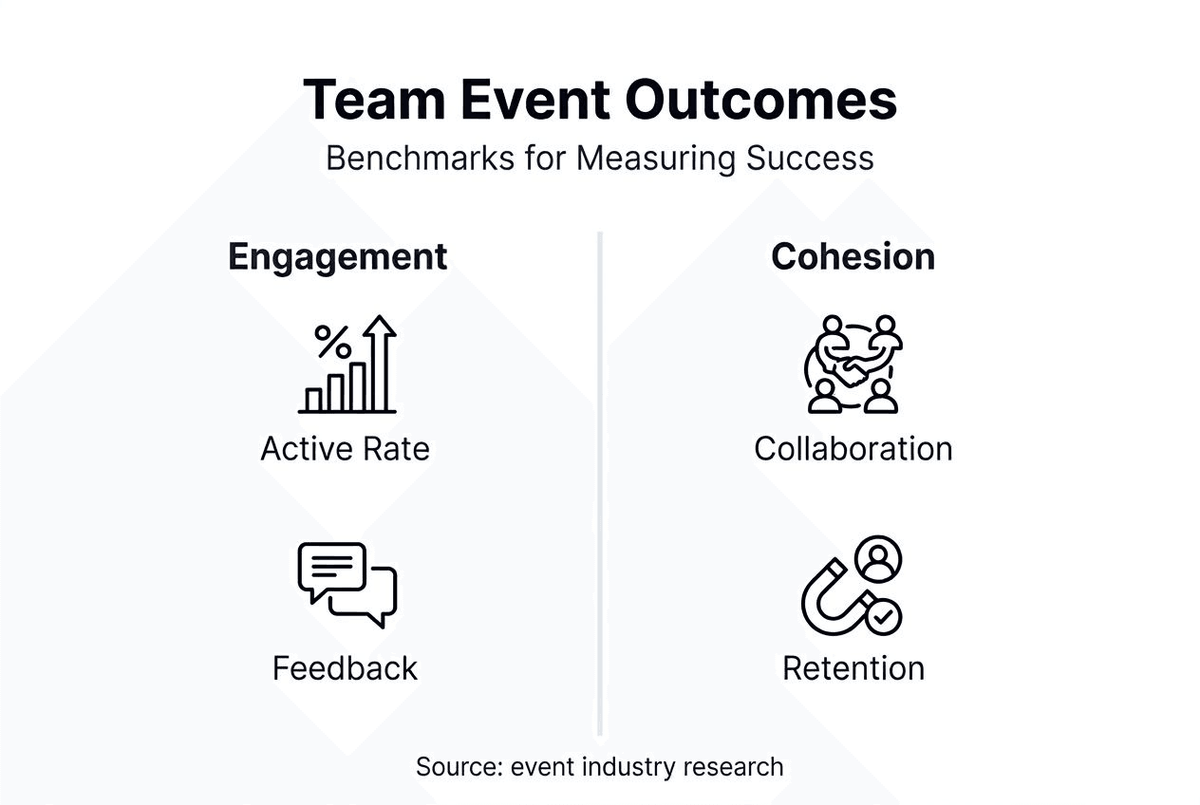
Smartphone-based interaction tends to engage people more than passive presentation formats. You'll notice higher energy, more laughter, and genuine competition between teams. High active participation indicates successful execution. Track these numbers through observation and post-event surveys.
Team cohesion improvements correlate directly with high engagement rates. Higher engagement and team cohesion improvements emerge when most participants actively engage throughout the event. Watch for spontaneous collaboration, cross-department conversations, and continued social interaction after the event ends. These soft metrics matter as much as hard numbers.
Prepare your event timeline 4 to 6 weeks in advance for optimal outcomes. Rushed planning compresses customization time, limits rehearsal opportunities, and increases stress. Longer lead times allow you to refine content, secure better venues, and coordinate participant schedules effectively.
Budget expectations vary based on group size and customization depth. Most corporate team building events using professional software cost between $500 and $2,000 when factoring in venue rental, software subscriptions, equipment, and host fees. Larger groups or heavily customized content push toward the higher end. This investment typically delivers better ROI than passive activities or expensive external facilitators.
| Metric | Typical Range | Success Threshold |
|---|---|---|
| Active participation rate | Varies by group | Most of the room taking part |
| Engagement improvement vs passive formats | Varies by event | Clearly more involvement |
| Planning timeline | 3 to 8 weeks | 4 to 6 weeks |
| Budget per participant | $15 to $50 | $20 to $35 |
| Post-event satisfaction score | Varies by event | Above 4.0 out of 5 |
| Team cohesion improvement | Varies by team | Noticeable in team feedback |
Use these benchmarks to set goals and evaluate performance. Continuous improvement comes from measuring results and adjusting your approach based on data rather than assumptions.
Discover specialized tools for seamless team building
Implementing this workflow becomes significantly easier with purpose-built software designed specifically for interactive events. Quizado offers interactive game show software with smartphone buzzers that runs every game on its servers, which removes many of the technical headaches that plague corporate events.
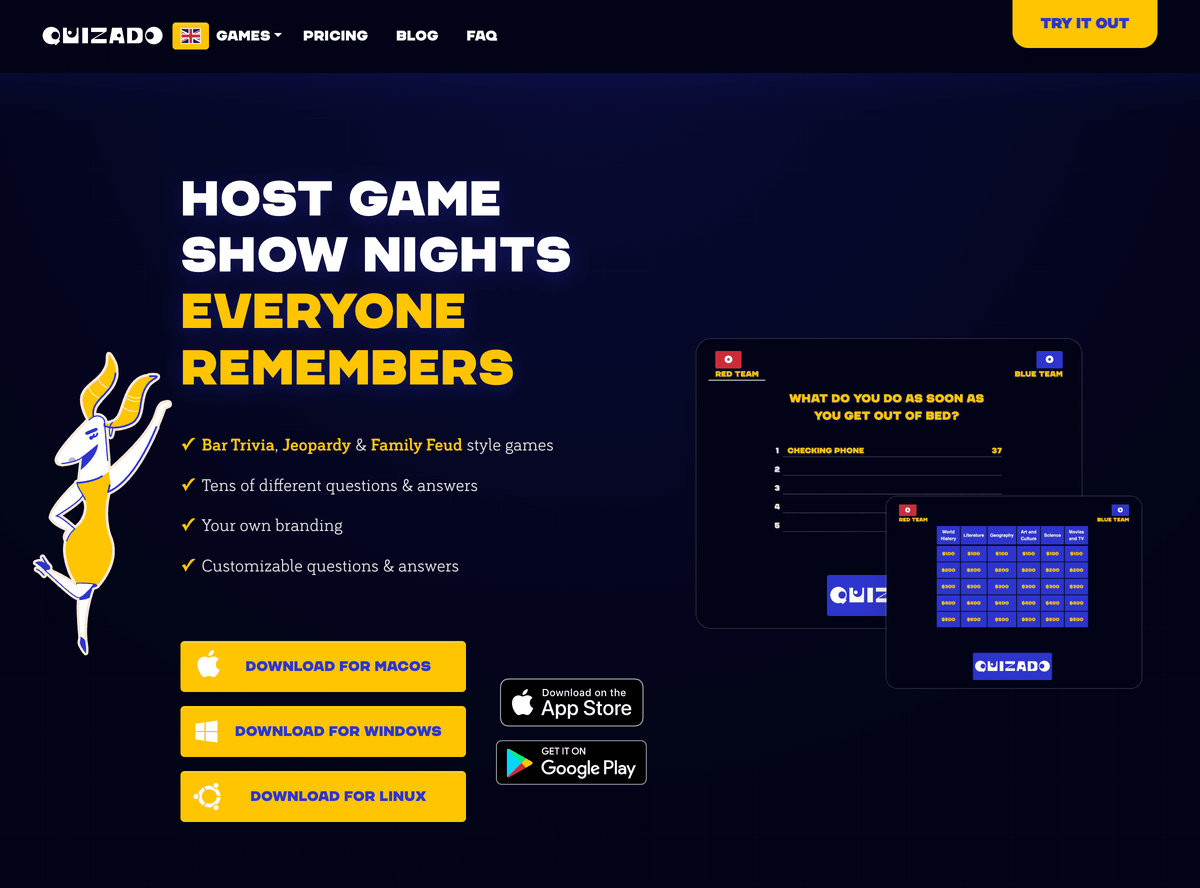
The platform provides extensive customization options, allowing you to upload company logos, select visual themes, and blend ready-made question libraries with your own content. With over 500 hours of professional content available and support for unlimited custom questions, you maintain the perfect balance between preparation efficiency and personal relevance. Cross-platform compatibility means your events run smoothly whether you're using macOS, Windows, or mobile devices.
Explore our team quiz setup guide for detailed implementation instructions that complement the workflow outlined in this article. Visit Quizado to discover how professional game show hosting transforms ordinary gatherings into extraordinary team building experiences your participants will remember and request again.
Frequently asked questions about team building workflows
What is the ideal team size for these interactive events?
Teams of 4 to 6 participants work best for most corporate settings, balancing individual participation with collaborative dynamics. Smaller teams ensure everyone contributes, while larger groups risk creating passive observers who disengage. Adjust sizes based on your total attendee count and event goals.
How to handle participants unfamiliar with technology?
Provide visual onboarding instructions displayed on screens and offer a practice round before competitive play begins. Most smartphone users adapt within 2 to 3 minutes when instructions are clear. Assign tech-savvy team members to help others, creating natural mentorship moments that build connections.
Can team building events be run without reliable internet?
Partly. Players' phones need internet, so bring a mobile hotspot. In Quizado, Family Feud and Jeopardy can run offline from sets stored in the desktop and mobile apps (on a plan that includes them), with the host reading answers aloud; Trivia needs a connection.
How to measure team cohesion effectively?
Track participation rates during the event and send post-event surveys asking specific questions about collaboration quality, cross-department connections formed, and willingness to attend future events. Qualitative feedback about spontaneous conversations and continued social interaction after the event also indicates cohesion improvements.
What's the best way to customize content for diverse teams?
Mix 60% general knowledge questions with 40% company-specific content referencing shared experiences, inside jokes, or recent milestones. Include various question types like trivia, true/false, and picture rounds to appeal to different strengths. Test content with a small group beforehand to ensure appropriate difficulty and relevance.
How far in advance should I start planning?
Begin planning 4 to 6 weeks before your event date to allow adequate time for venue booking, content customization, participant coordination, and technical rehearsals. Rushed planning compresses preparation quality and increases the likelihood of execution problems on event day.
Turn these ideas into a team event
Prepare an office quiz or remote game with a shared screen, phone participation and a host on your team.